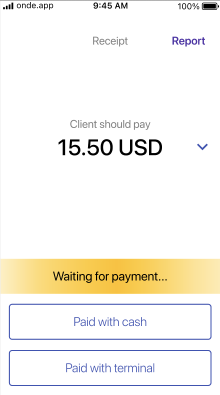
In some countries cash is a popular payment method. However, cash orders can be an inconvenience for both customers and drivers, as in most cases cash flow requires giving change.
A seamless customer experience for cash payments is secured with drivers sending change from their Wallet to Customer Wallet.
The following preconditions are mandatory:
1. Customer Wallet is enabled for Merchant
2. Order is created from Customer App
3. Order Payment method is Cash
4. The driver has a positive Wallet balance
At the end of a cash order placed from a customer app a driver has an option to send the change to the customer’s Wallet. The driver should specify the amount and tap on “Give change & finish”.
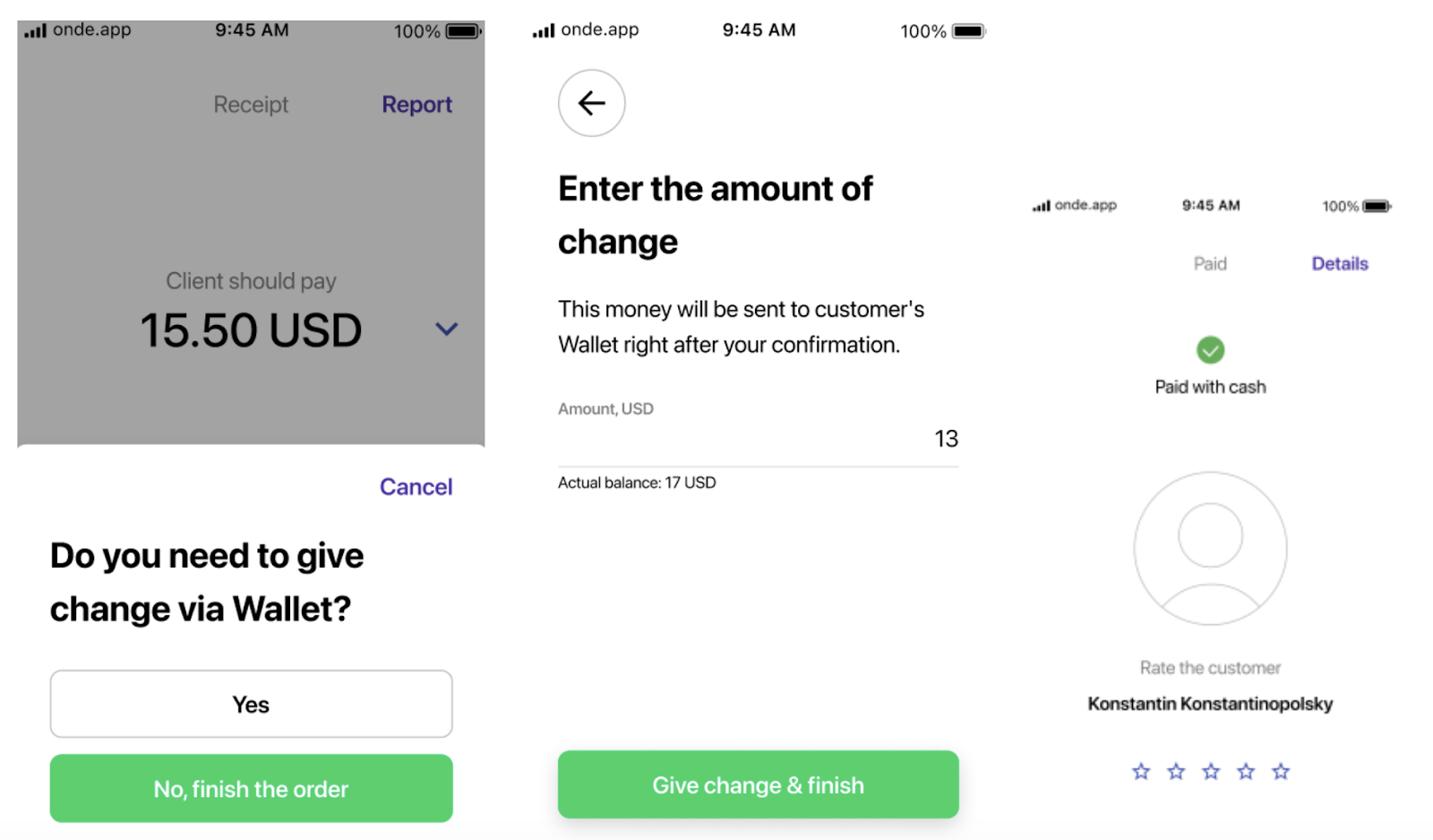
The change amount is deducted from the driver's Wallet and sent to the customer’s Wallet.
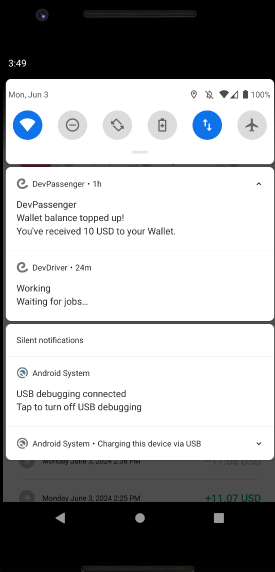
Upon customer’s Wallet credit with “change” a customer receives a push notification:
“Wallet balance topped up! You've received [sum] to your Wallet”.
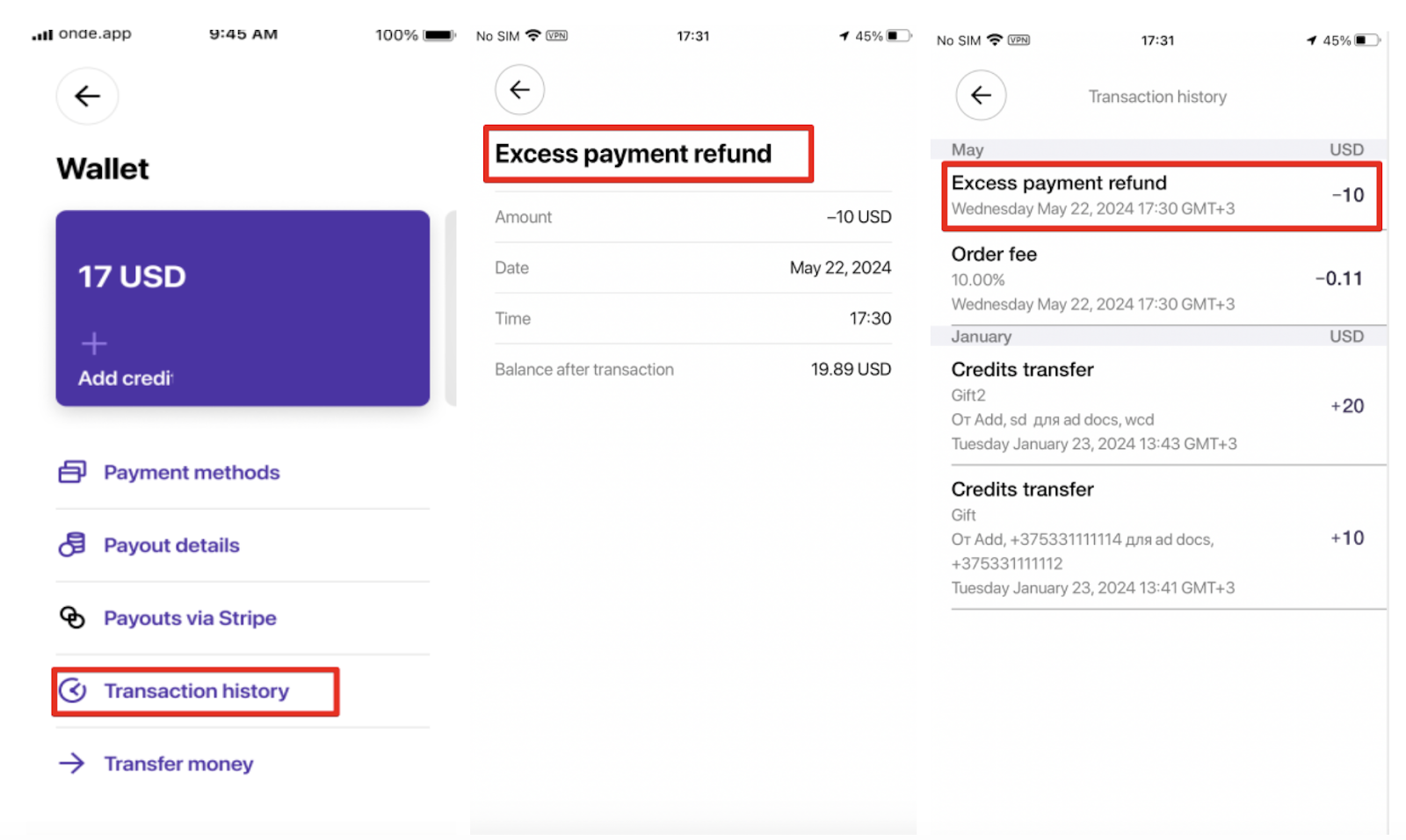
Both transactions on the debit from the driver’s Wallet and the credit to the customer’s Wallet are logged in:
1.Driver Wallet transactions in Driver App and My hub profile. Category is “Credit Transfers”, transaction type is “Excess Payment Refund (debit)”.
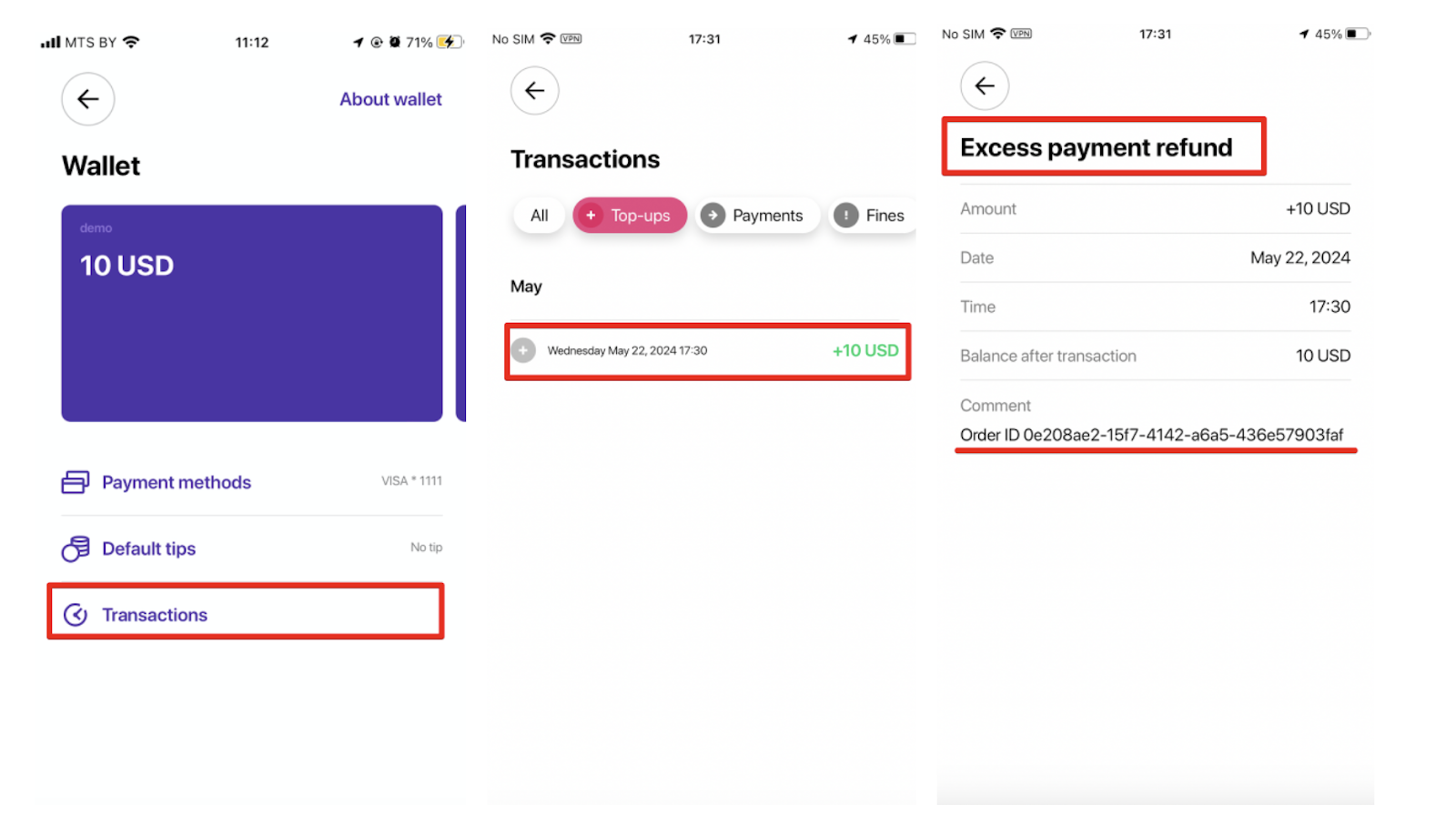
2. Customer Wallet Transactions in Customer App and My Hub.
Category is “Top up”, transaction type is “Excess Payment Refund (credit)”. One can track the Order ID of the “Excess Payment Refund (credit)” transaction in the “Comment” column of Customer Wallet transactions.
3. Order Report - column “Excess Payment”. The field is empty unless change was sent.
4. Drivers transactions report - “Excess Payment Refund” category in column J. “Transaction Category”
Otherwise, if no change is to be given, the driver should just proceed with “Paid with Cash”.