Before making the decision to request the development of one’s branded apps one needs to test drive the platform and check if it meets the requirements of their business model, market needs, etc.
To test the app in DEMO mode make sure to request a free demo registration, and register a demo company upon approval.
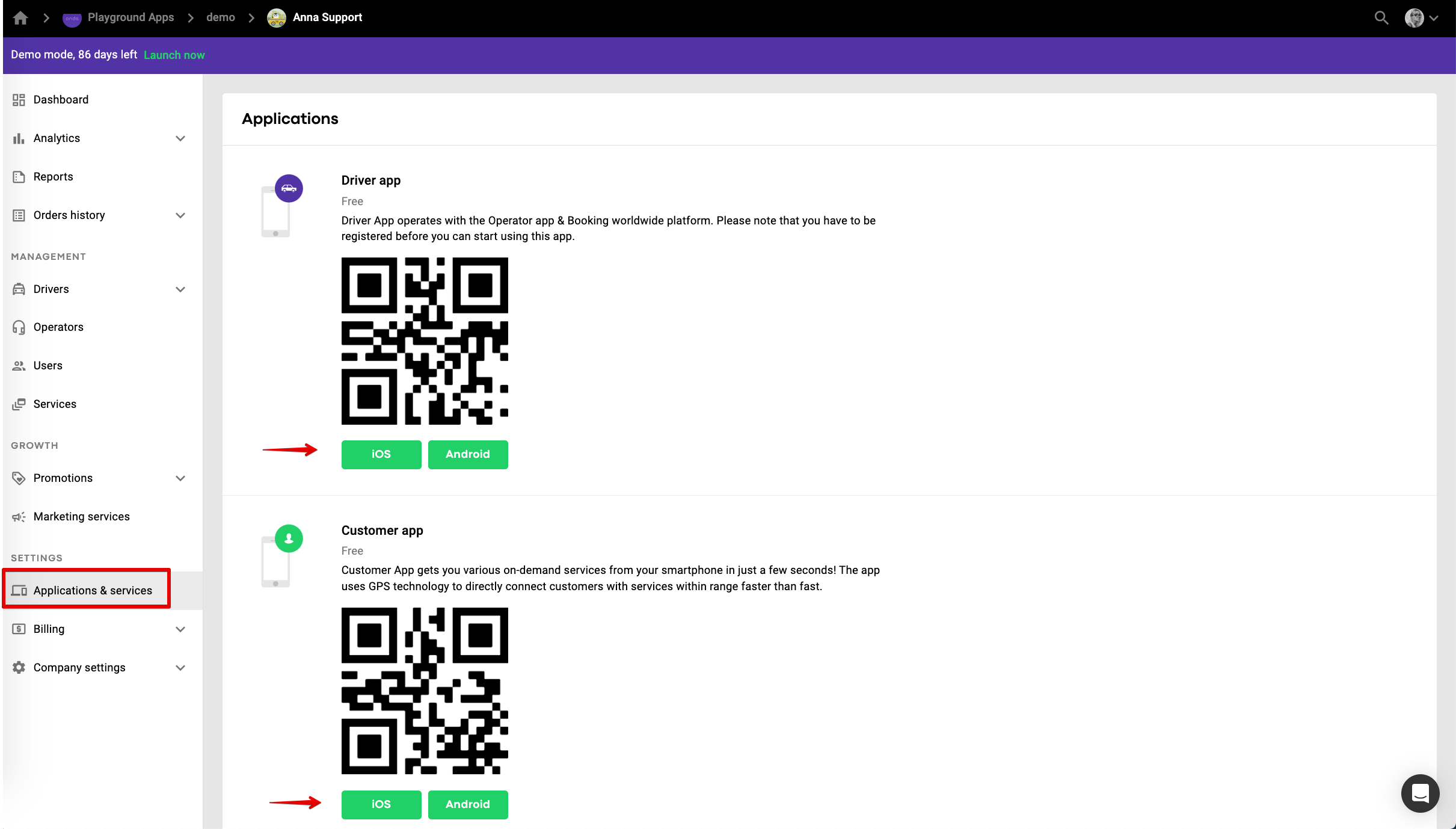
You can find the links to Customer and Driver DEMO apps in the tab Applications and services of My hub.
Demo Driver app (iOS and Android).
Demo Customer app (Android and iOS).
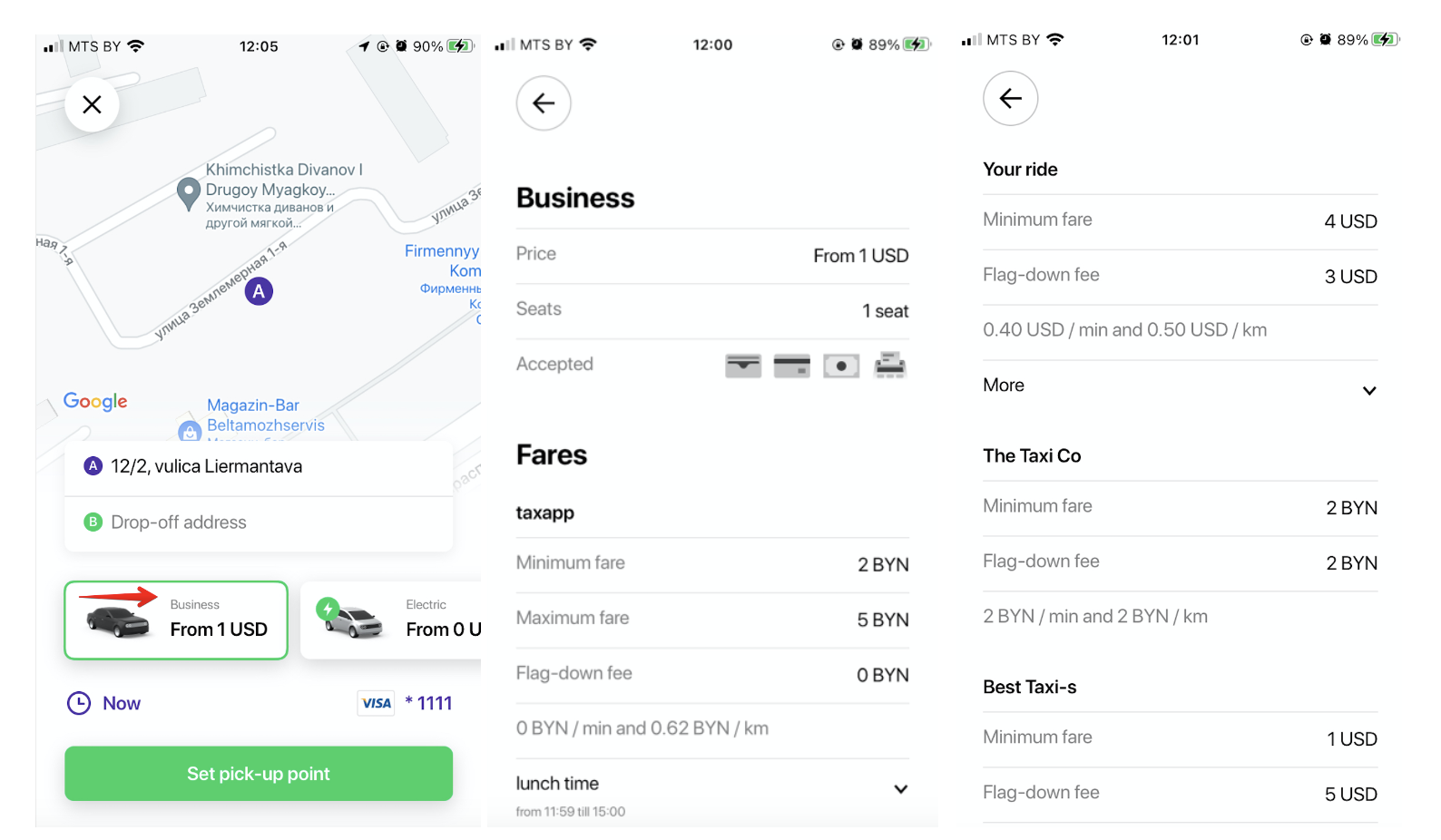
The generic Demo Customer app app shows all the services of all demo companies registered with Onde in the same operational area.
The orders will go to any driver who works on the requested service of any demo company in the area as per intelligent queue algorithm.
Once your branded apps are fully developed and published, they get linked to your company. At this stage you are technically ready to move the company to production mode. Mind to check the details and recommendations on a transfer from demo to production mode.
The moment you move your company to PRODUCTION mode, any customer in the operational area of your company will see the services of your company in your branded apps. The orders from your branded Customer app will go to the drivers, registered in your company.
Preconditions: the company is in DEMO mode, DEMO apps linked to it, production branded apps are published on stores.
The company’s services can be tested with DEMO apps only.
Branded apps will either show “No service in the area” or third party services, in case there is another production company on Onde platform that allows service for travellers.
IMPORTANT
It is not technically feasible to test DEMO company services with production branded apps. The links to the branded apps on stores are shared with the apps owner upon development, even though the company may still be in DEMO. This is aimed at reconfirming the UI as well as verifying that the apps have been developed in compliance with original brand requirements and Branded applications development guidelines.
As branded apps are developed as a part of a white label solution all the testing can be done on the basis of DEMO apps, which provide a similar UX.
One can hide the published branded apps from stores before the official company launch.
App presence on stores before can be useful if the company is running a pre-launch promotion campaign.
Preconditions:
The company is in DEMO mode, production branded apps are published on stores and linked to the company.
This is done at the stage when the apps are fully developed, published and the parties are aligned on the tariff plan.
The company’s services can NOT be tested with any apps. Basically, the DEMO company becomes not usable for testing.
1. DEMO apps will show the services of other demo companies (if available in the same operational area)
2. Branded apps will either show “No service in the area” or third party services.
Preconditions:
The company is in PRODUCTION mode, production branded apps are published on stores and linked to the company.
1.The company’s services can be tested with production branded apps in the operational area of the company.
2.The branded app will show third party services outside company’s operational area if there is a partner company on Onde platform that allows service for travellers.
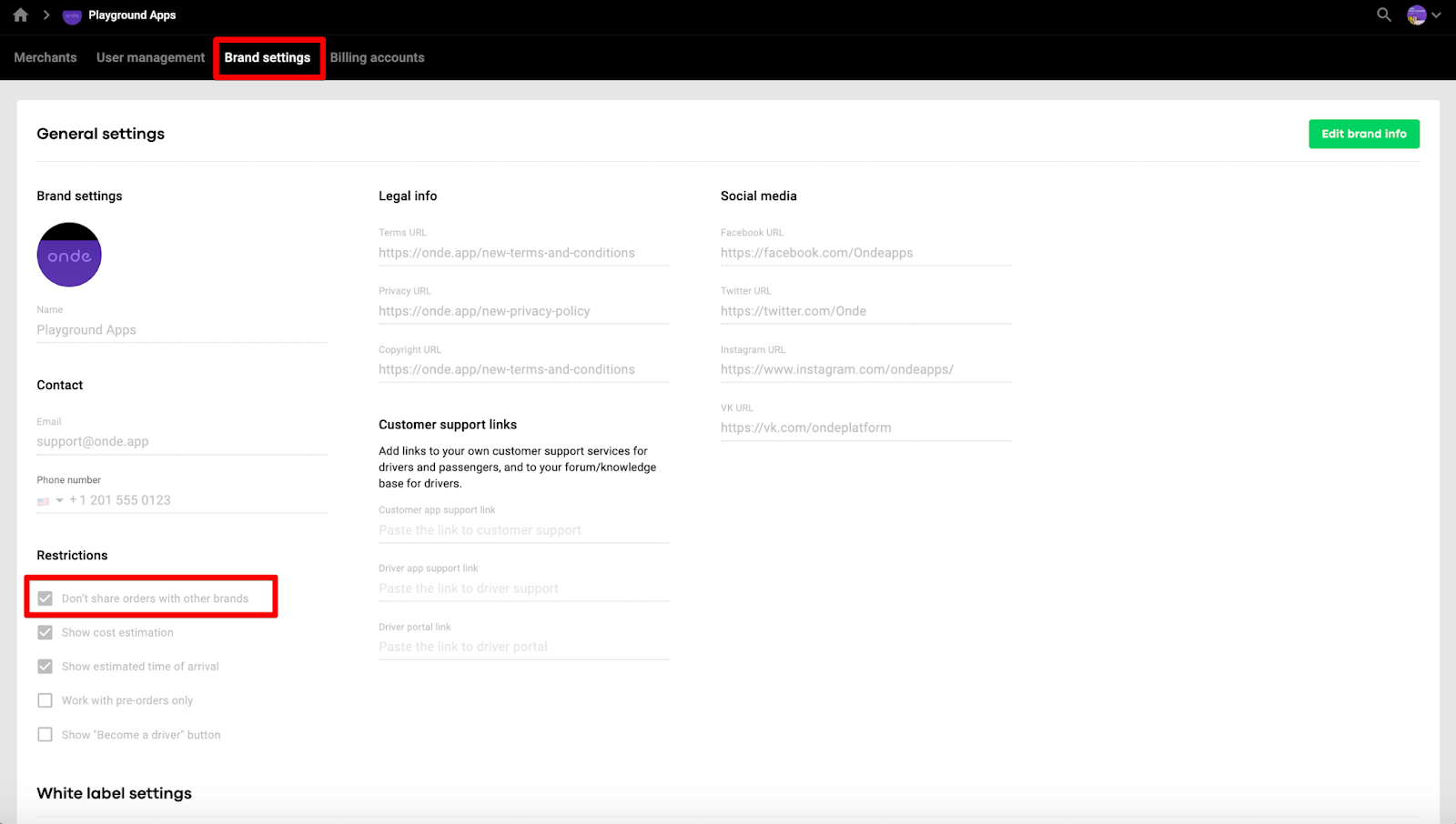
3.In case one does not want the branded app to be used for third-party services, one should select “Don’t share orders with other brands” in Brand settings.
Check out our video collection to get all the insights on platform testing!
