
You can place the Web app to your home screen and open it in one click.
It requires minimum storage space and provides quick access.
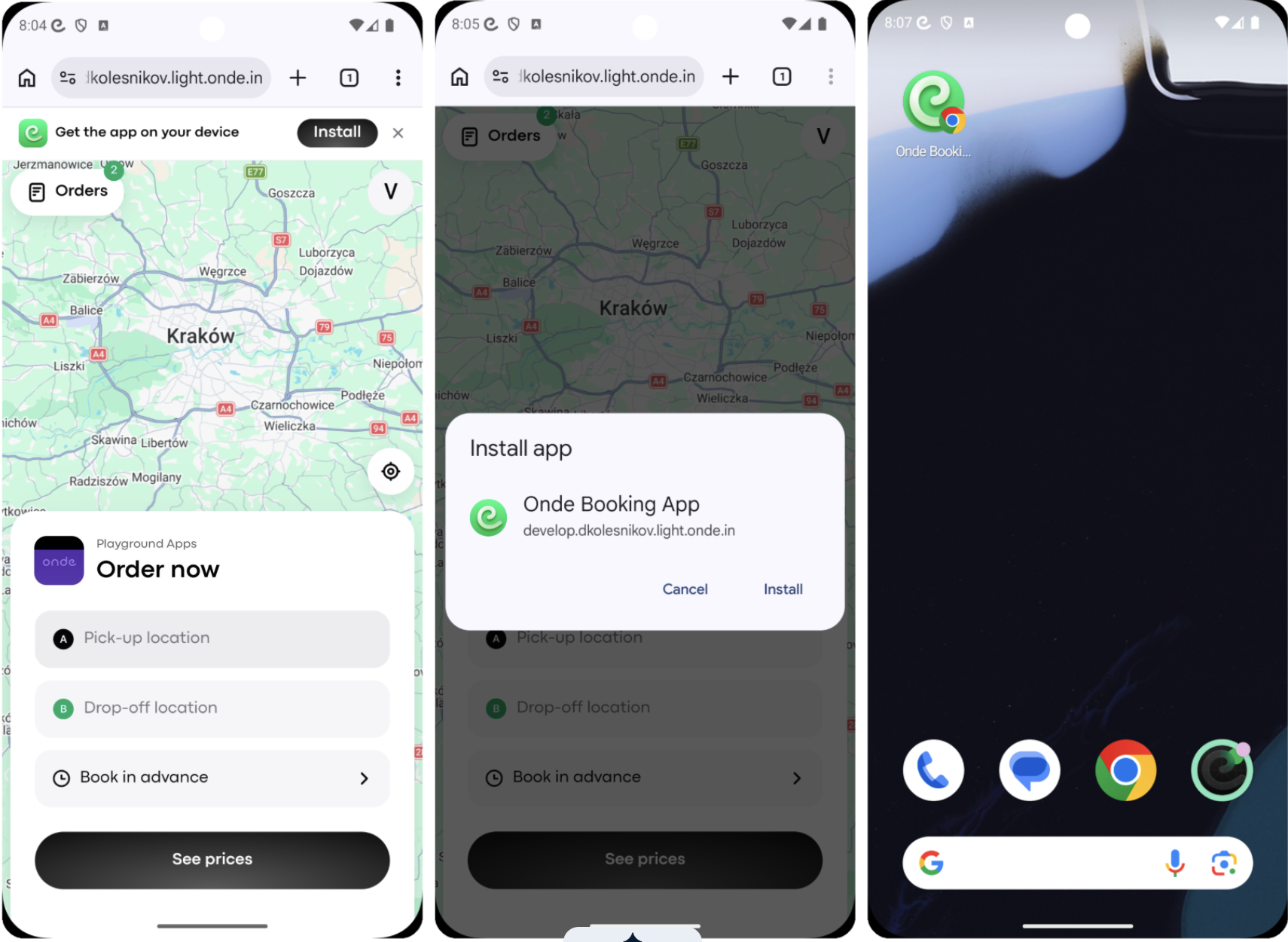
To add the Web app to your Home screen:
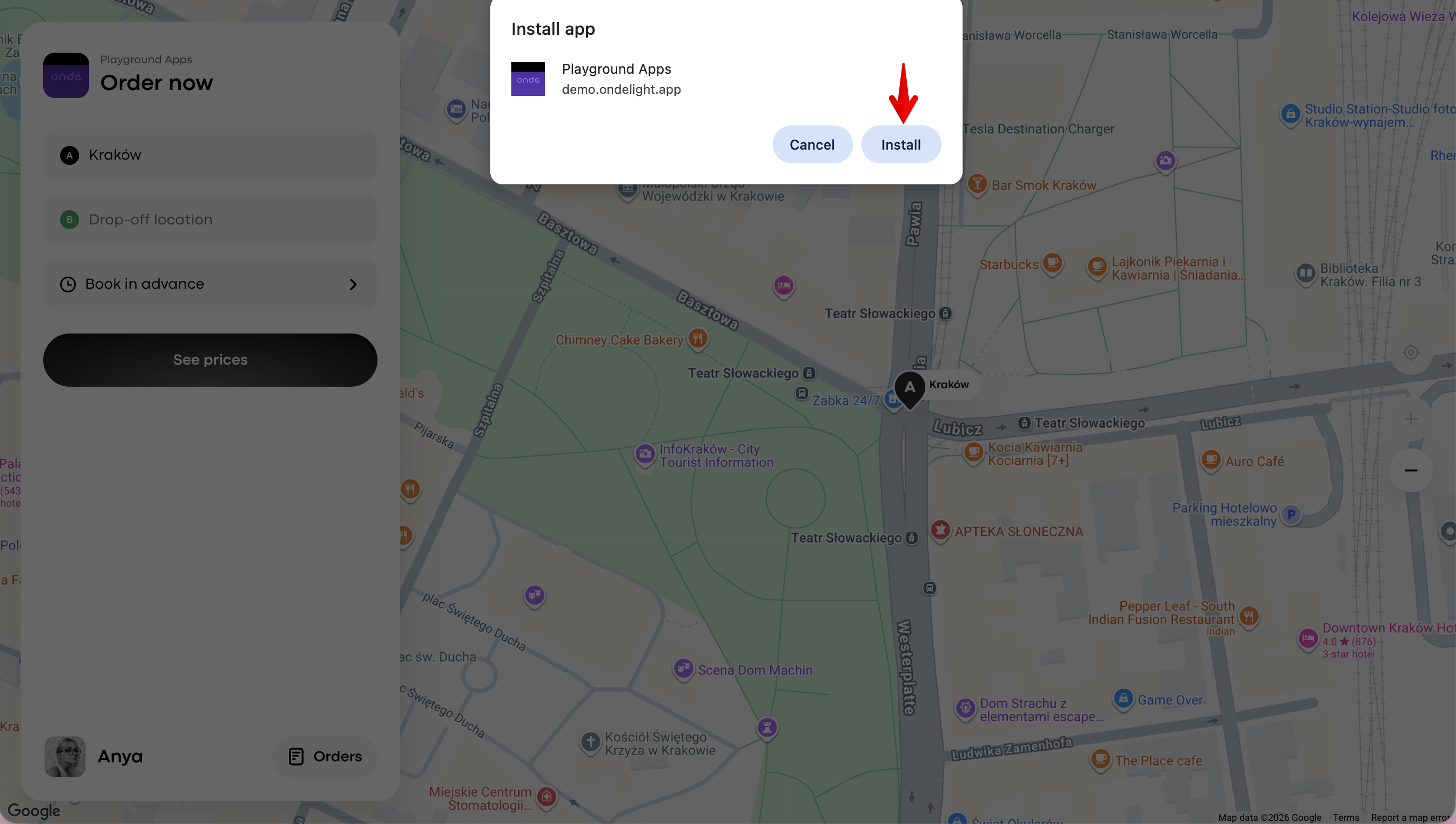
a. tap on “Install” in the address bar:

b. Finalise by clicking “Install” on the pop-up window.
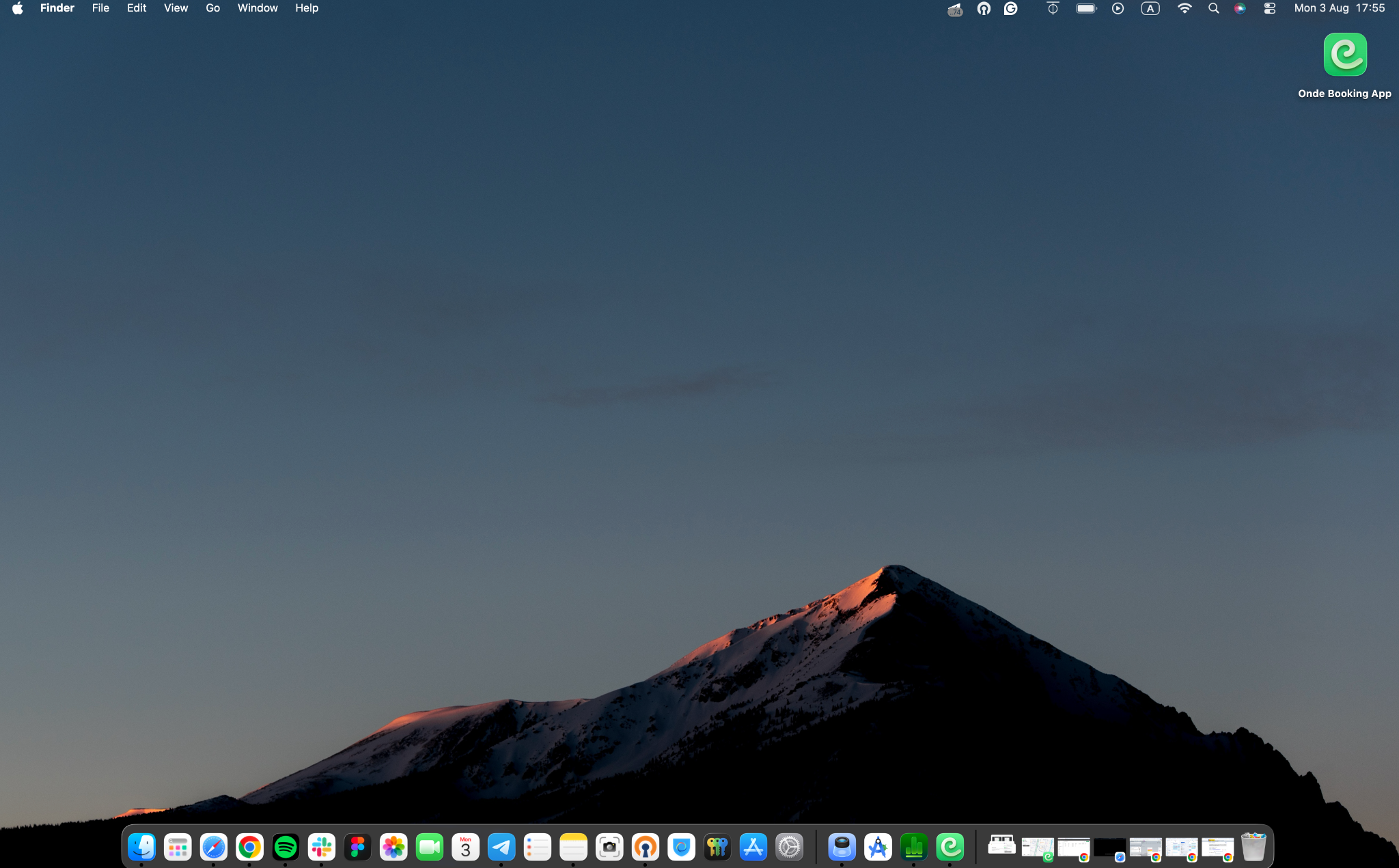
Now the Web App icon is on your screen and the App can be opened in just one click.
Check out how easy it is to place the Web App on your mobile device home screen!
Learn more about Web App in posts Web app solution overview , How to place Web app on your home screen and How to place Web app on your site.