
Steps to activate PowerTranz payment gateway for processing credit card payments
1. Request PowerTranz account from https://PowerTranz.com/
PowerTranz contacts are :
2. Create a PowerTranz gateway entity in your Brand panel on Merchant level: go to Brand > Merchant > Payment gateways > Add > Credit & debit cards > PowerTranz. Fill out payment gateway credentials. Don't forget to save the changes!
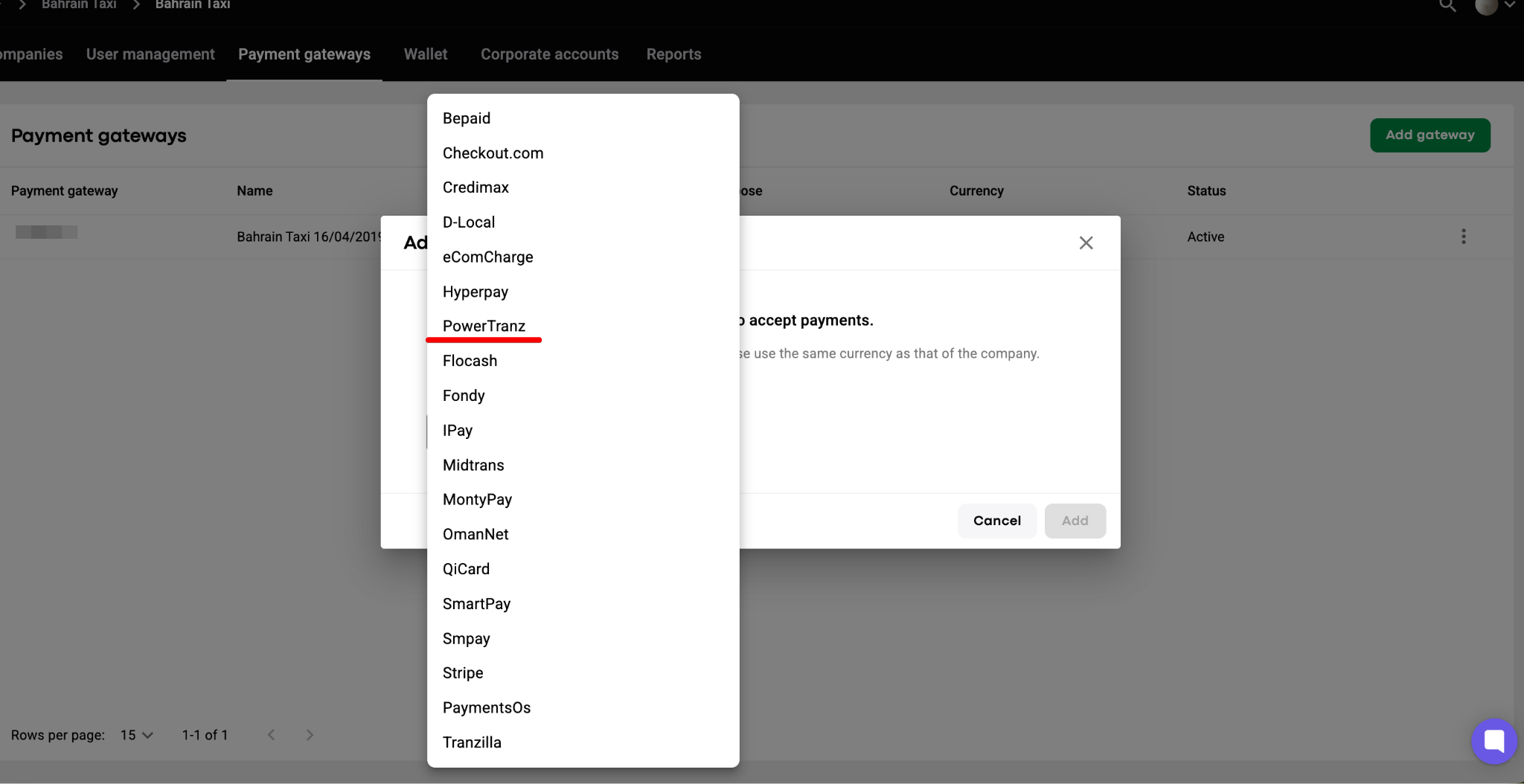
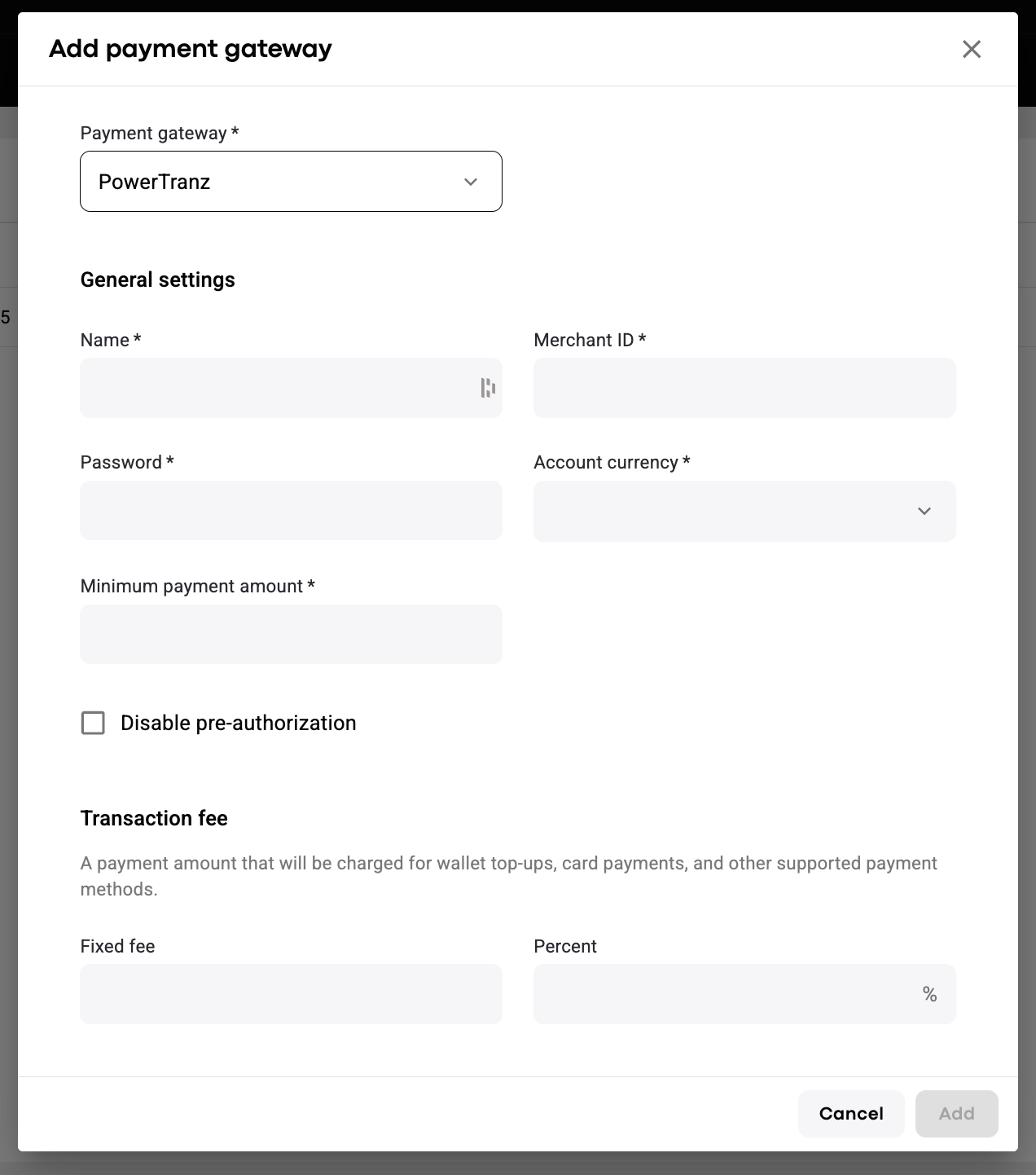
3. Enable PowerTranz gateway in MyHub for required companies: My hub > Company settings > Payment gateways > Edit >in "Credit & debit cards" field choose the payment gateway that you've created > Save. The flow is shared in the video.
4. Do some live testing with credit cards. One may check that:
- on trip payments with credit card;
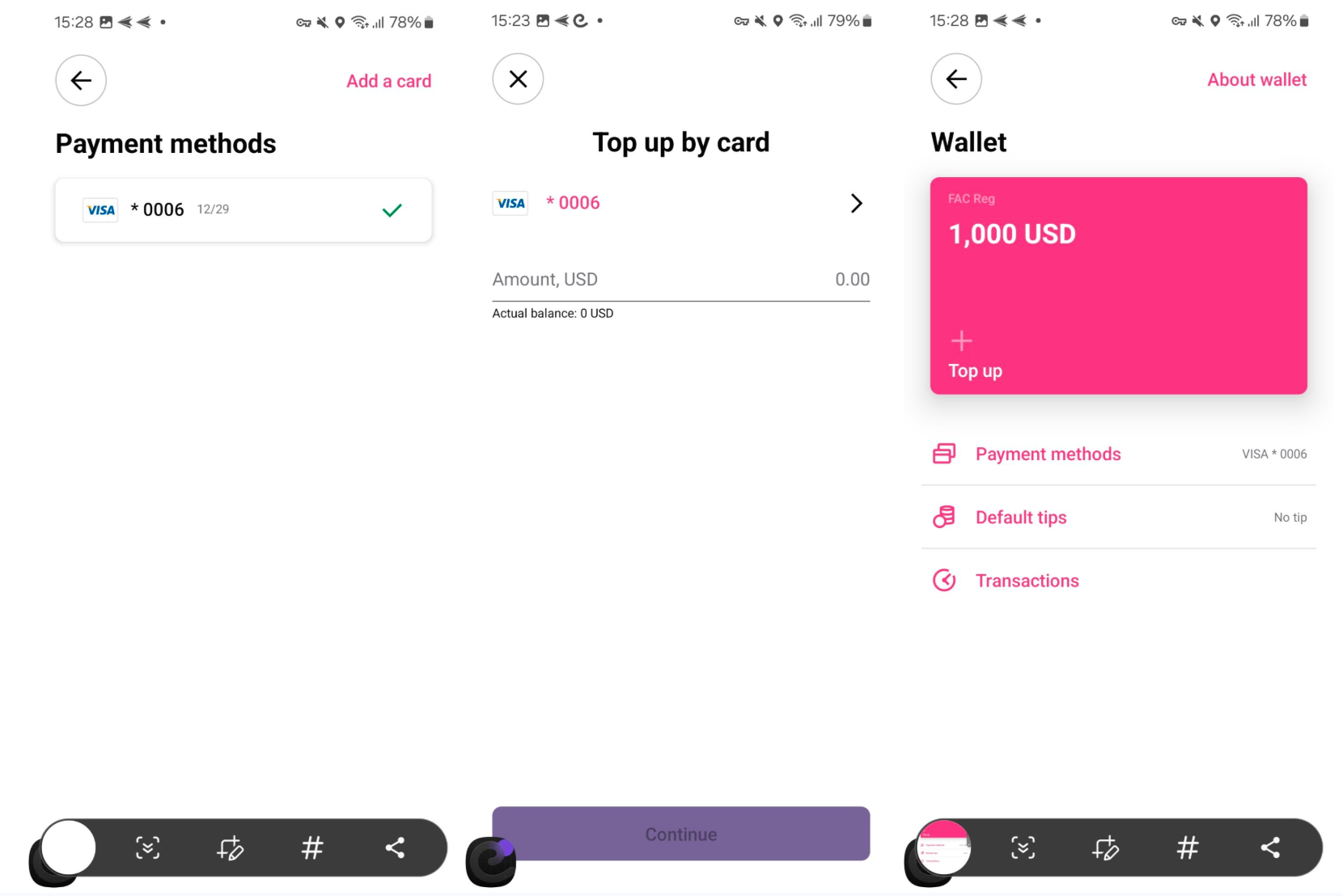
- driver wallet and customer wallet top-ups with credit cards.
Add your credit card with PowerTranz and top the wallet up as below:
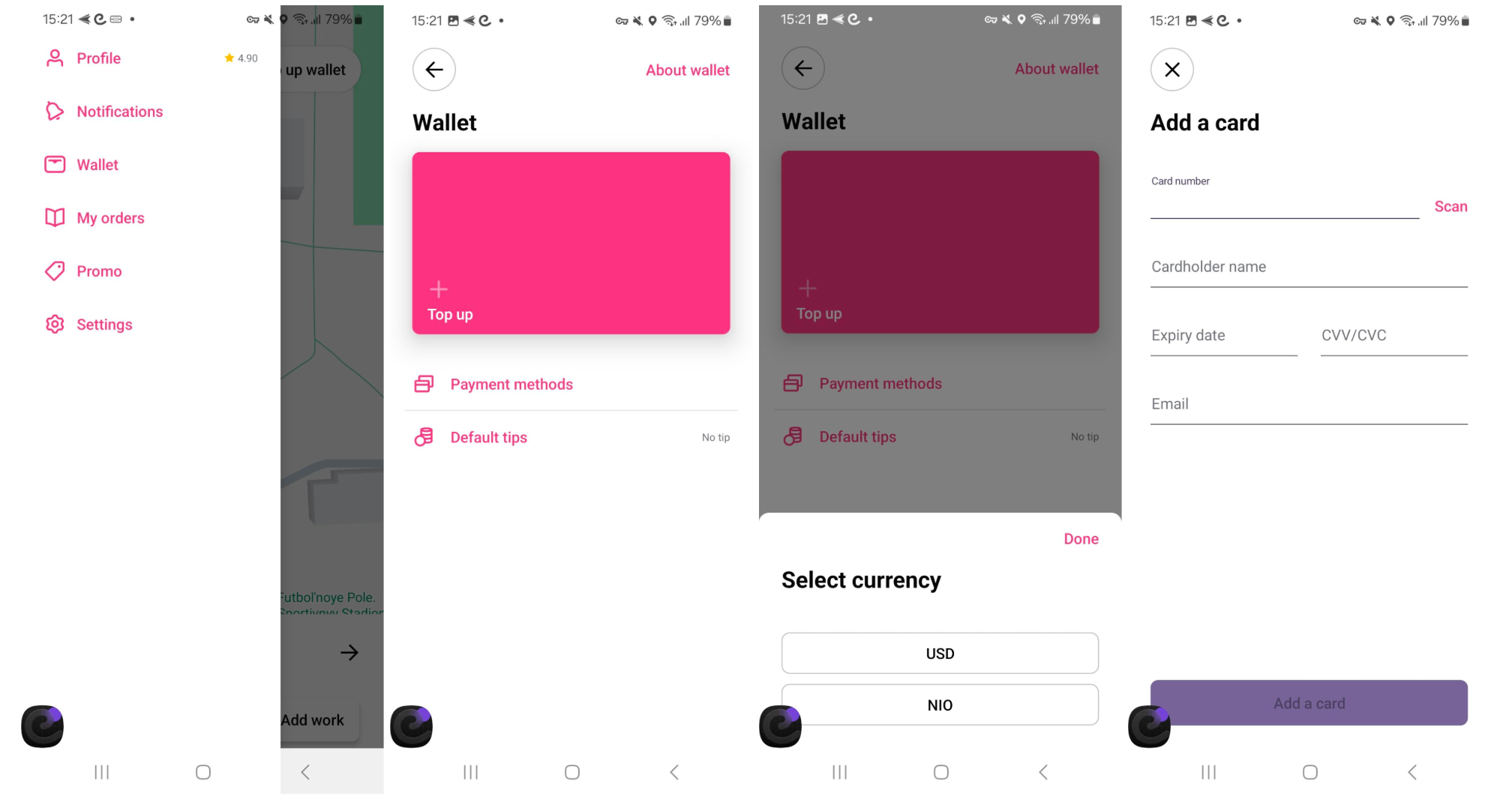
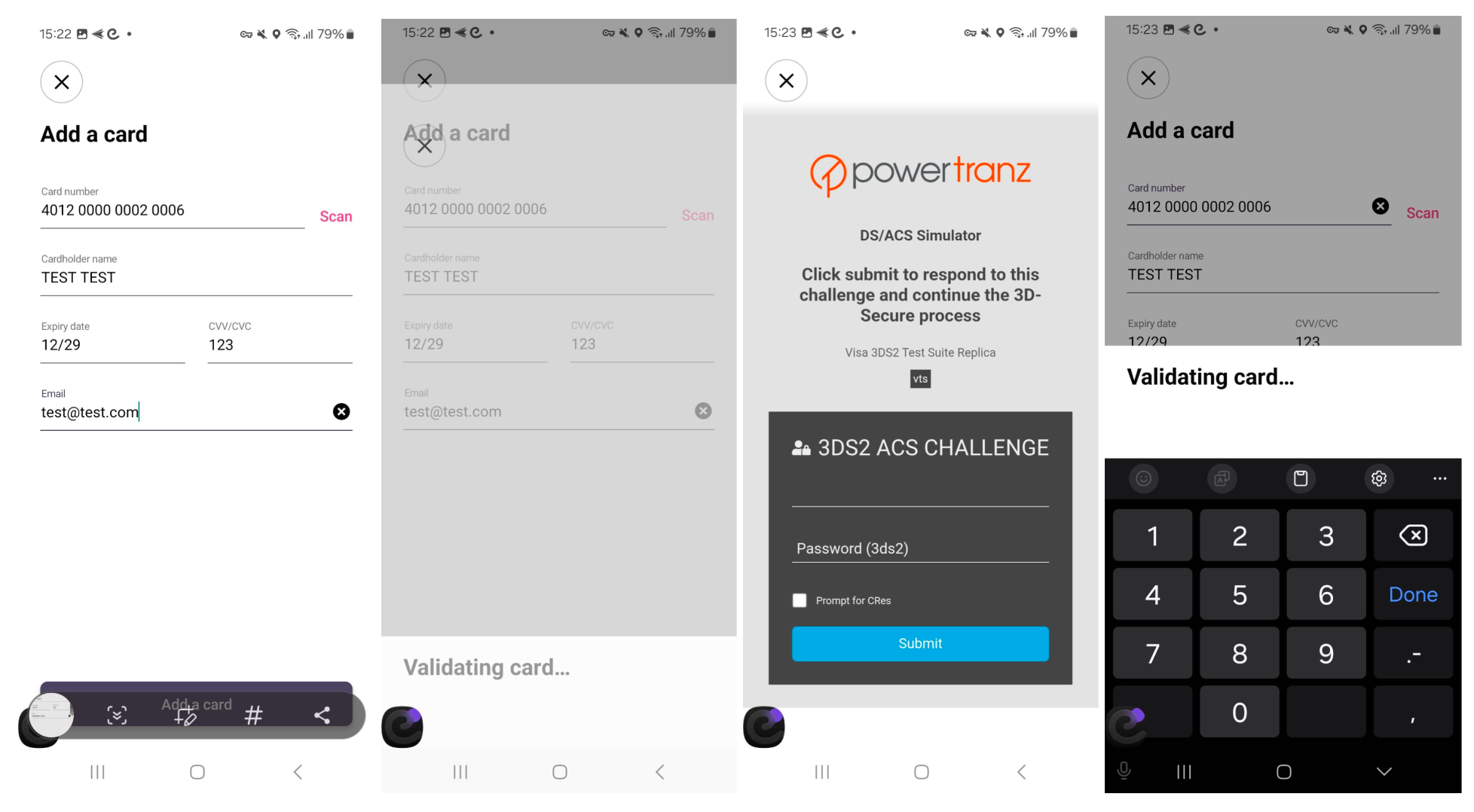
IMPORTANT:
At the moment we are integrated with PowerTranz for Nicaragua, Bonaire and Sint Eustatius and Saba, Barbados, Virgin Islands British, Turks and Caicos Islands (NIO, USD and BBD)
In case of any errors with card verifications or transactions emerge, kindly report to [email protected].