Check details on the concept of Preorders and their processing down the links Instant bookings vs Preorders and Driver tips to handle Preorders.
Let us review the types of notifications a driver and customer get on:
Preorder acceptance
Preorder start
Preorder cancellation
Once a pre-order is accepted by the driver both customer and driver get a relevant system push notification with a short sound alert. Mind that app notifications should be allowed on a device.
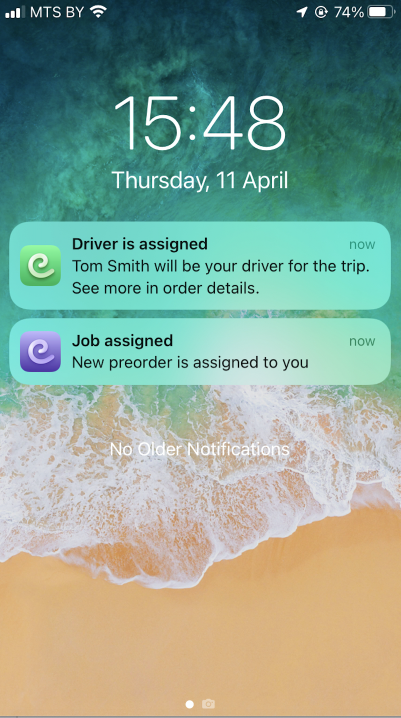
System push notification
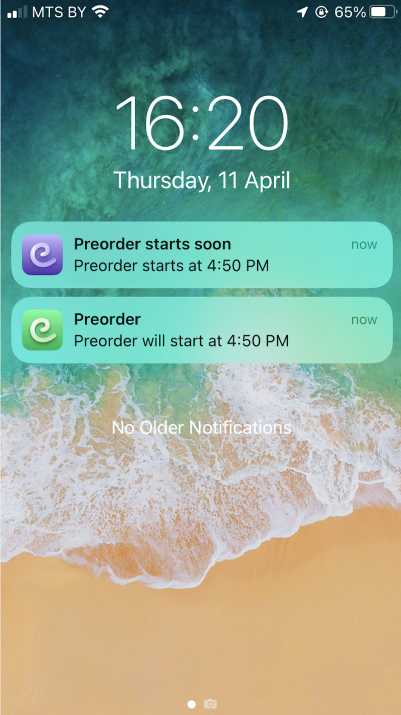
30 minutes before the preorder time (time of pick-up) both driver and customer will get a push notification "Preorder starts at …" with a short sound alert.
2. Calendar notification
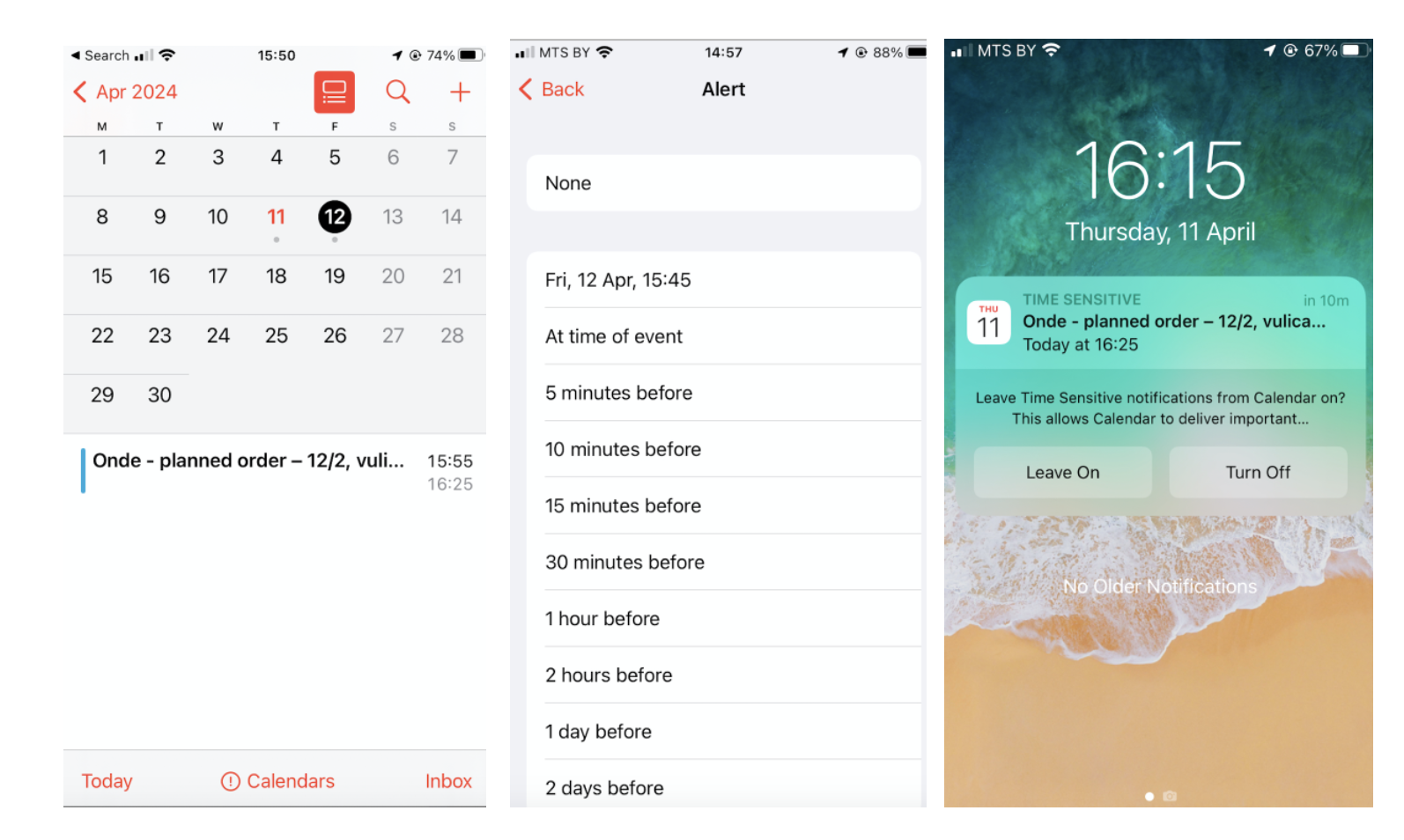
At the stage when the preorder is created by a customer/accepted by a driver both parties can add it to their calendar (in case app access to the Calendar is allowed).
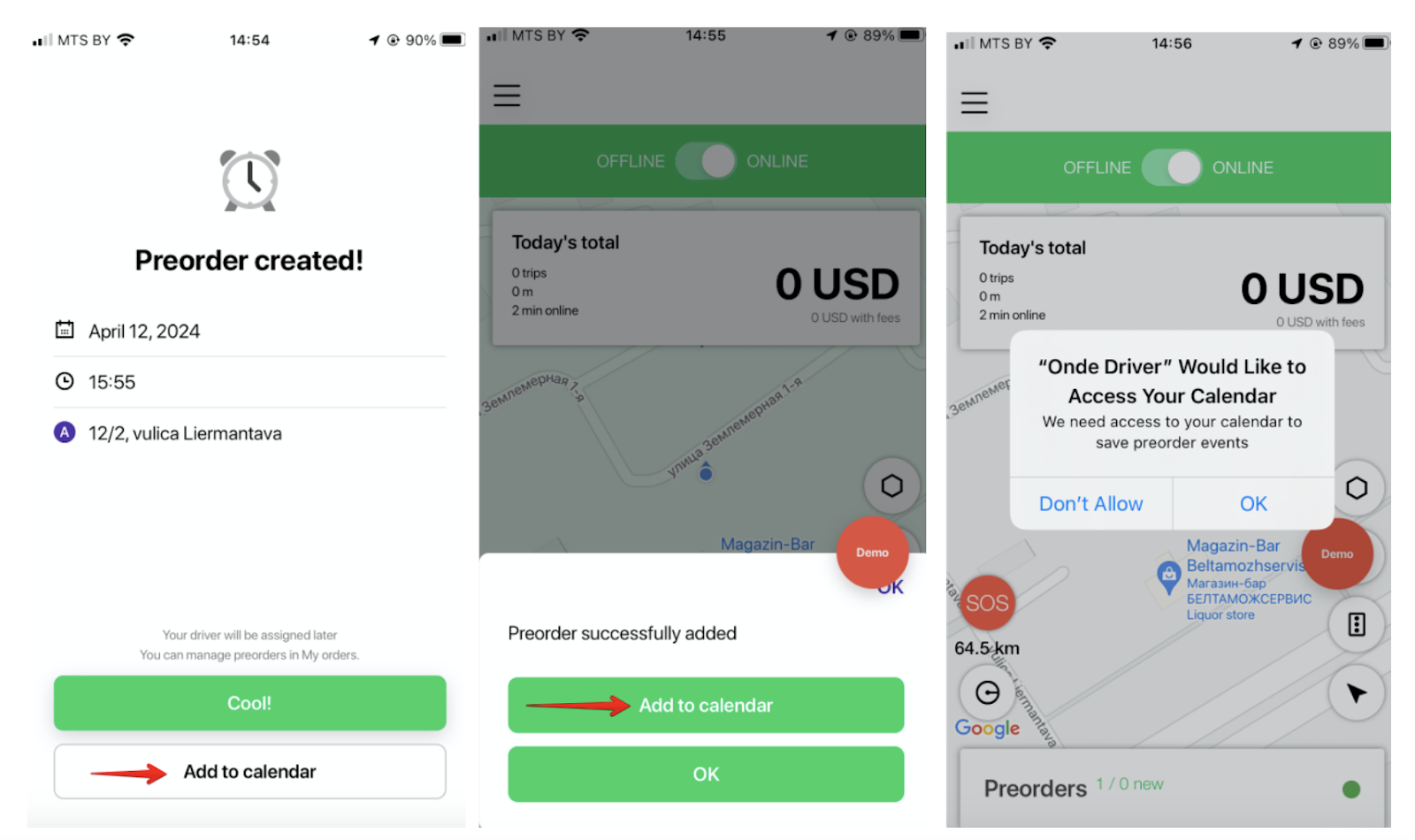
If the preorder “event” is added to Calendar the customer/driver will receive an alert before the preorder. The time of the alert can be selected manually.
This helps both parties to get an additional notification on the preorder.
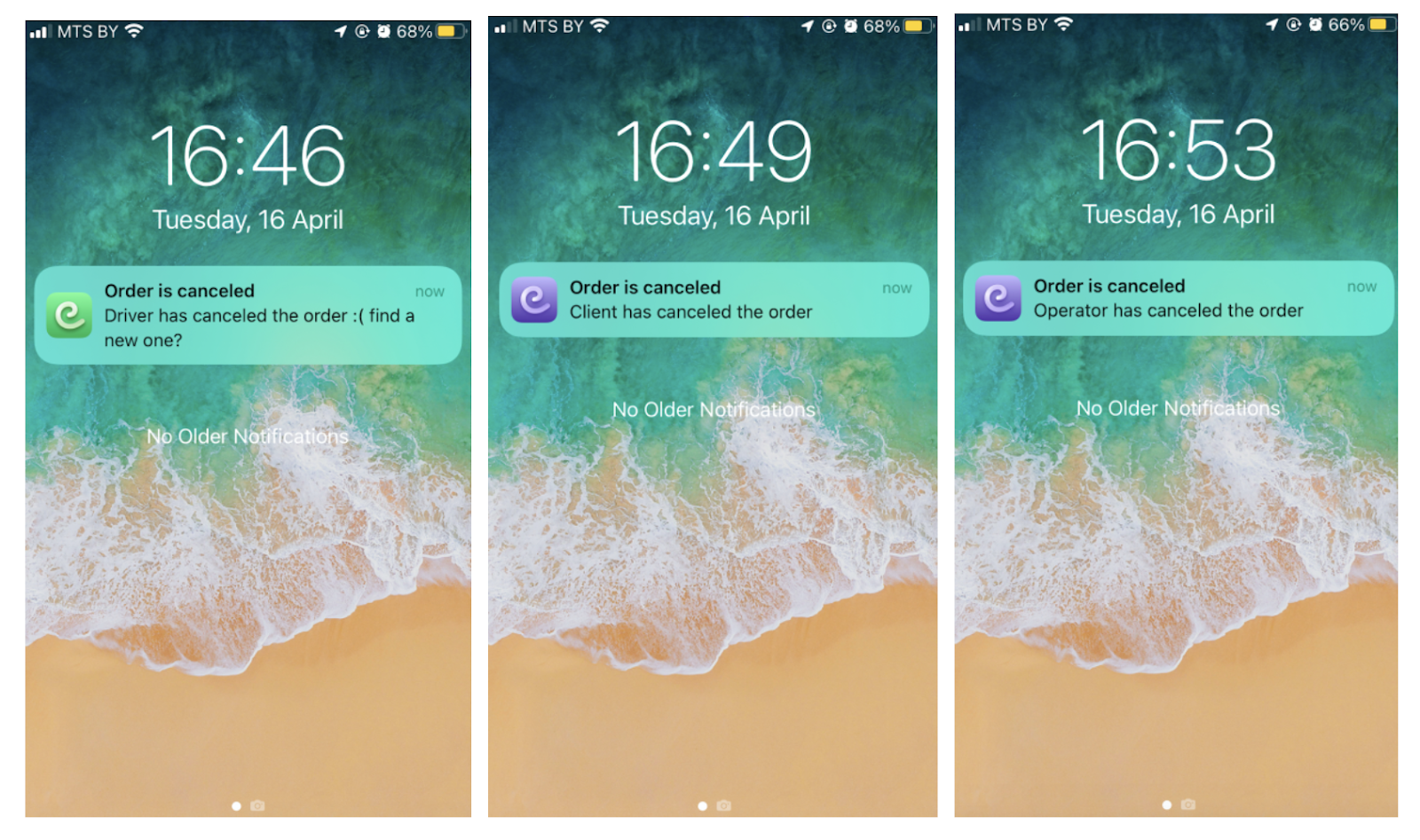
Both driver and customer receive a push notification upon Preorder cancellation.
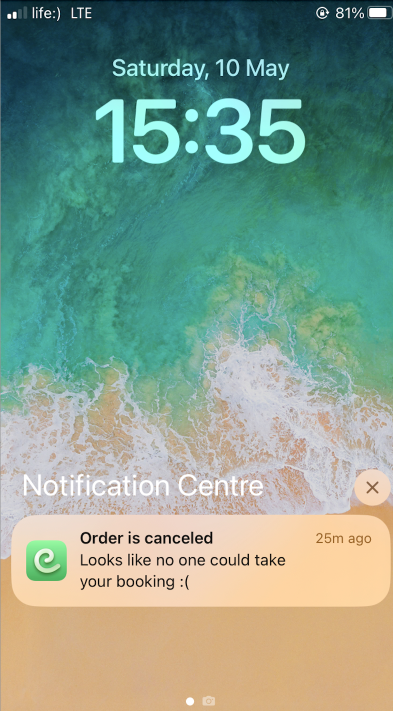
In case no driver has accepted a preorder until the pick-up time, a customer gets the following push notification: “Order is cancelled: looks like no one could take your booking”.
In case the driver has accepted a preorder but has not processed it, the preorder is pending in his driver app for 48 hours. After that it is cancelled by the system.
The driver gets the following push notification:
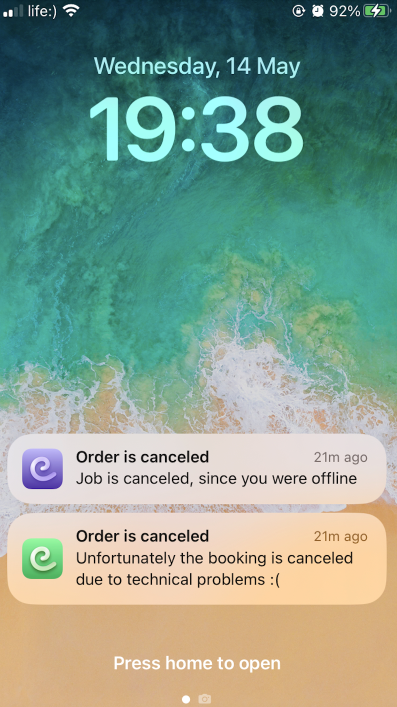
“Order is cancelled: Job is cancelled since you were offline”
The customer gets the following push notification:
“Order is cancelled: Unfortunately the booking is cancelled due to technical problems”: