
This article is aimed at helping drivers to process preorders.
In case of an instant broadcast a submitted preorder is displayed in driver application along with the beeping sound ring.
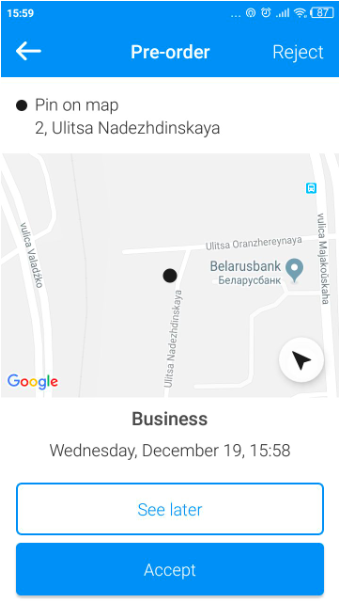
If the driver does not accept it preorder goes to "Preorders" folder. At this state the order can be claimed by any driver.
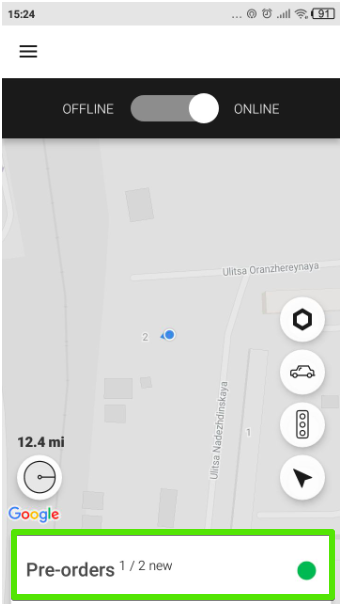
Each new pre order will be stored in this folder as a list.
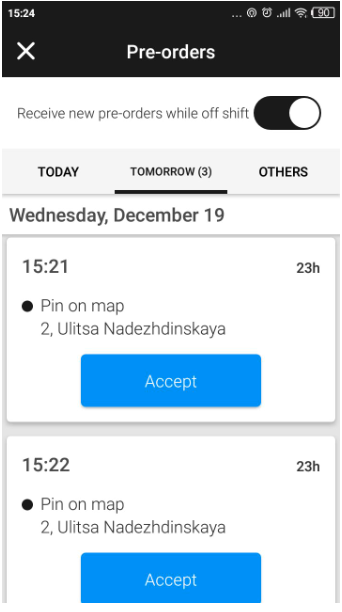
If a driver wants to accept one of the preorders he should tap on it and select "Accept".
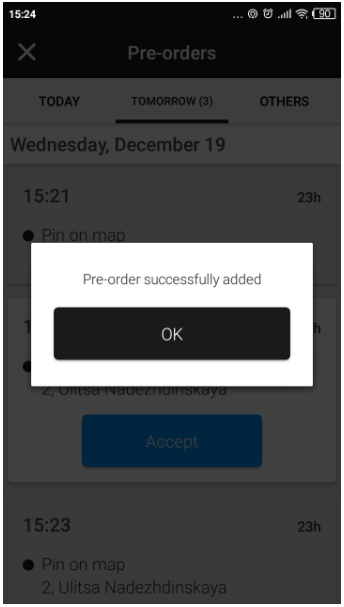
Confirm the message "Preorder successfully added" by tapping "OK".
Once the preorder has been taken by any driver it will immediately disappear from the apps of all other drivers who had previous access to it.
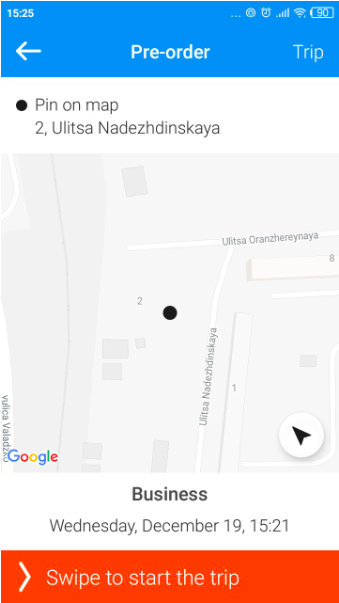
To start the preorder the driver should swipe the "Swipe to start the trip".
Learn more on Preorders down the links