QiCard is integrated for Iraq.
Steps to activate QiCard for your company:
1. Request QiCard account from https://qi.iq/en/home
QiCard contacts are:
[email protected] (general)
[email protected] (contact to start merchant onboarding)
Nora Jafar <[email protected] (technical integration support)
2. Create a QiCard gateway entity in your Brand panel on Merchant level: go to Brand > Merchant > Payment gateways > Add > Credit & debit cards > QiCard. Fill out payment gateway credentials. Don't forget to save the changes!
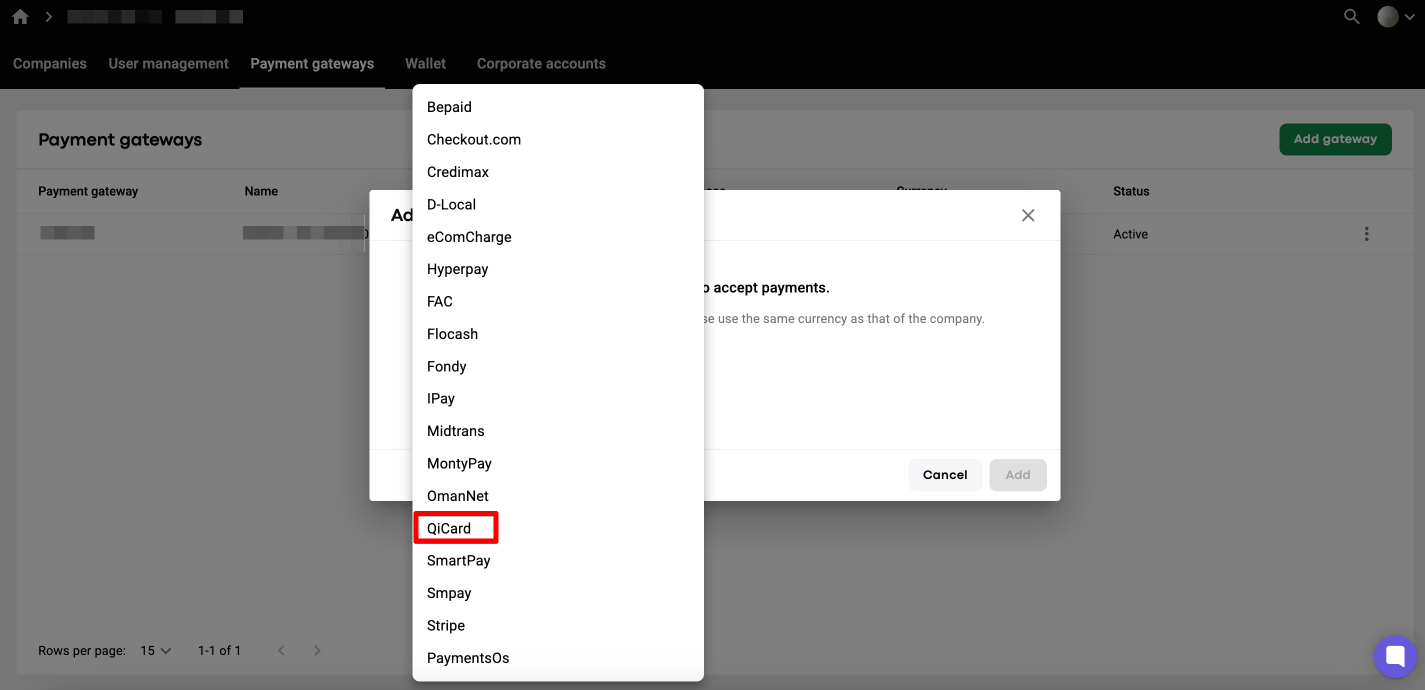
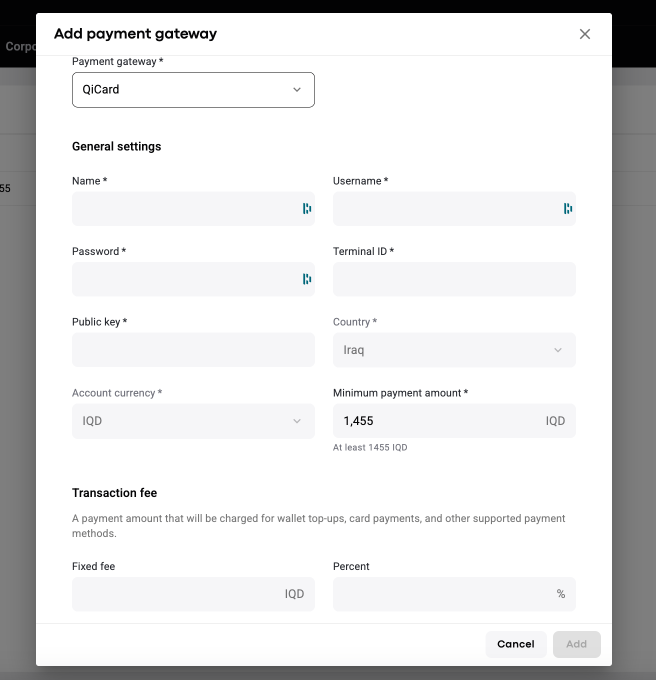
3. Enable QiCard gateway in MyHub for required companies: My hub > Company settings > Payment gateways > Edit > in "Credit & debit cards" field choose the payment gateway that you've created > Save. The flow is shared in the video.
4. Do some live testing with credit cards. One may check that:
- on trip payments with credit card;
- driver wallet and customer wallet top-ups with credit cards.
Add your credit card with QiCard as below:
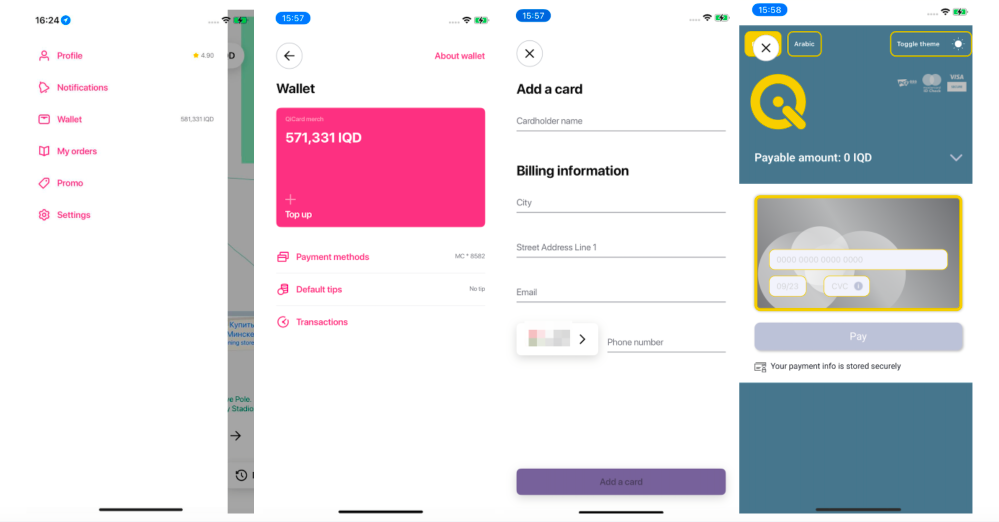
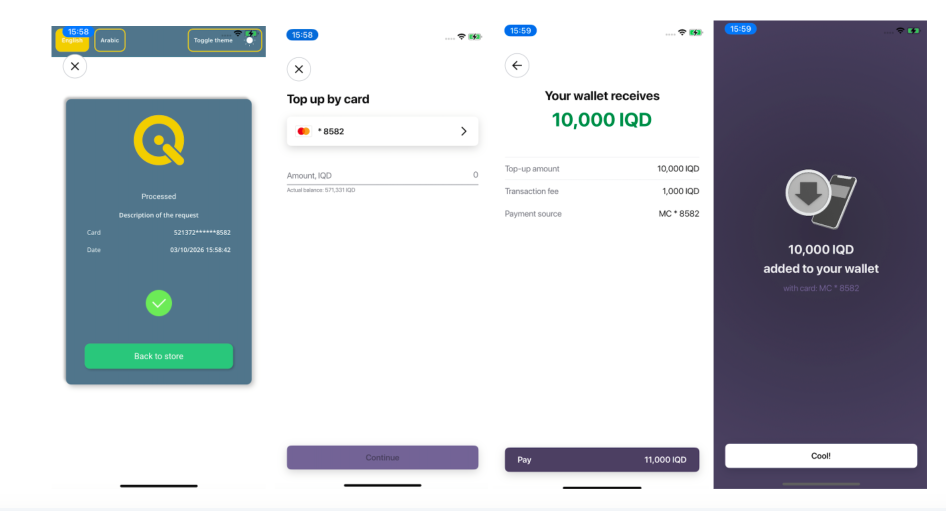
In case of any errors with card verifications or transactions emerge, kindly report to [email protected].
