
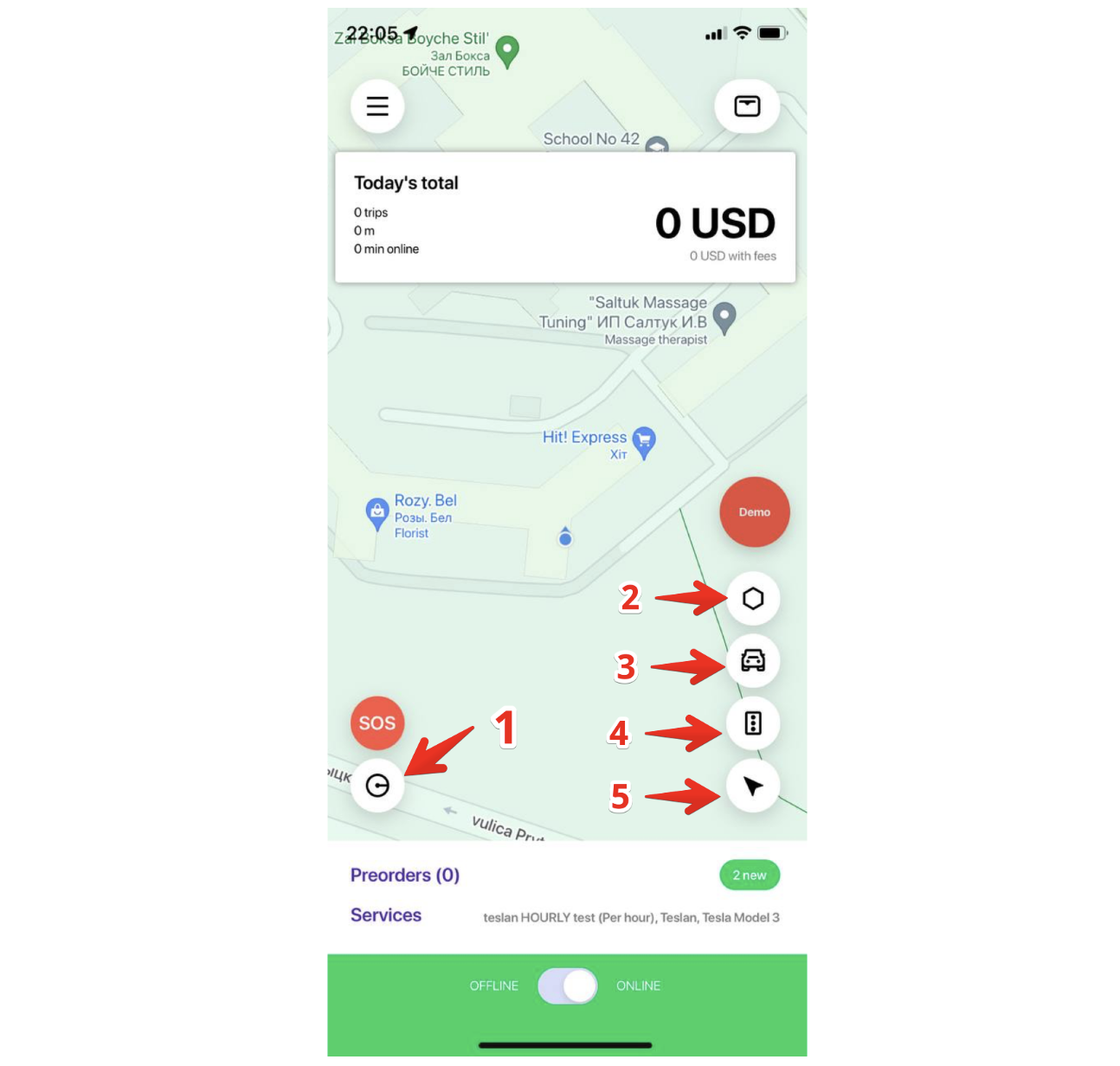
"Driver working radius" - a radius within which a driver will receive instant orders. Maximum radius value is set via My Hub in driver settings.
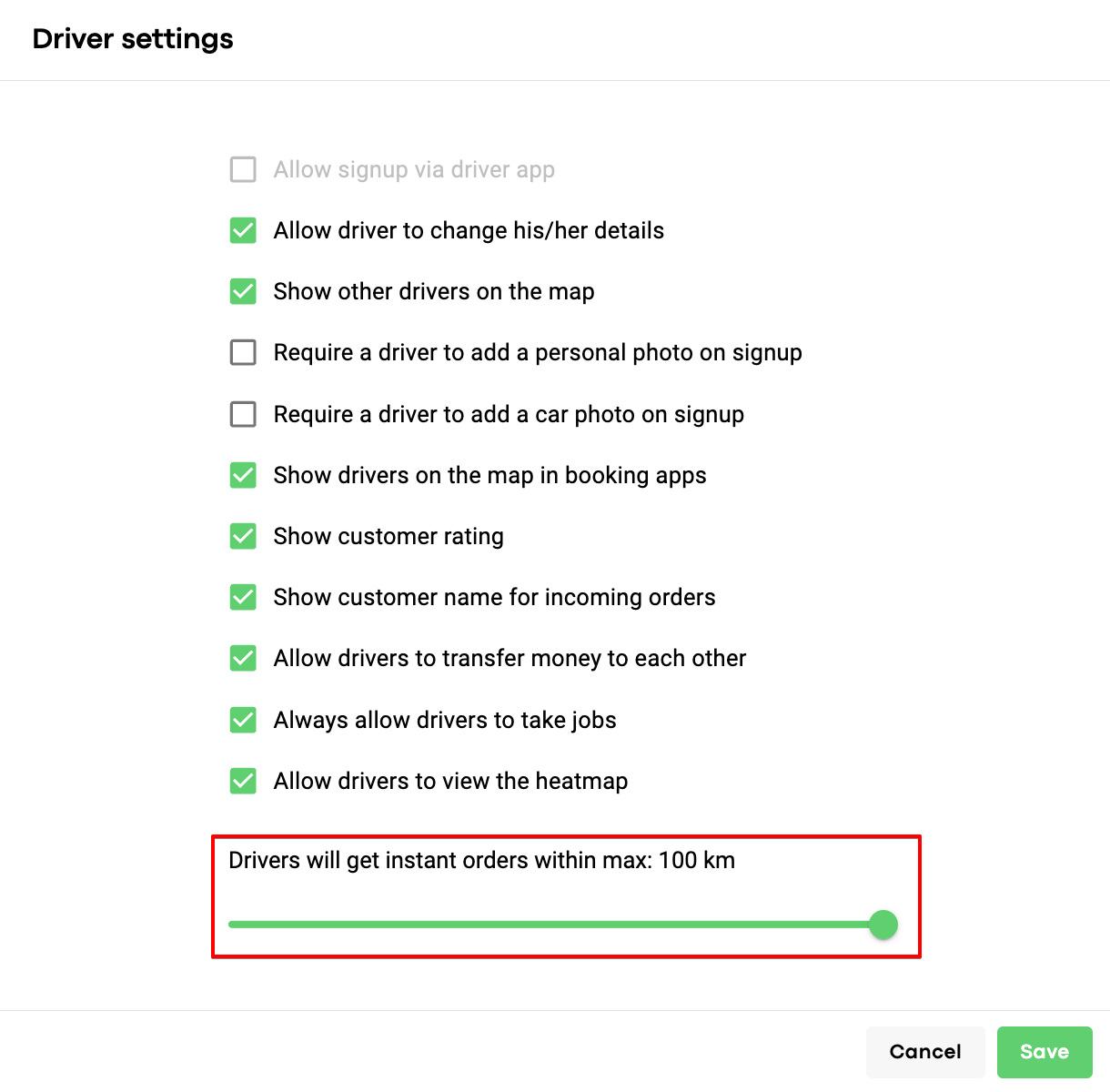
A driver can adjust the radius in his app by clicking on the related icon.
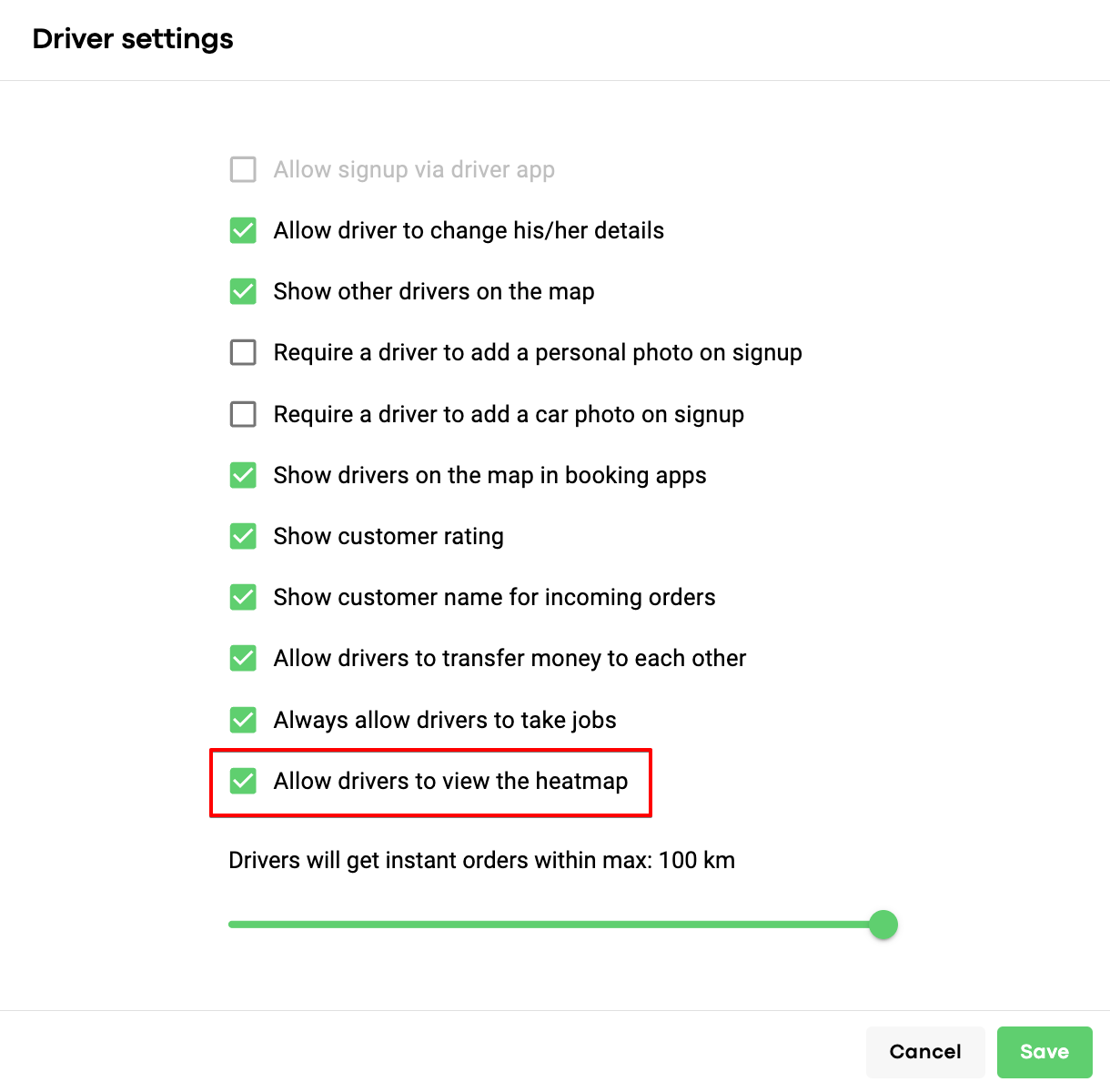
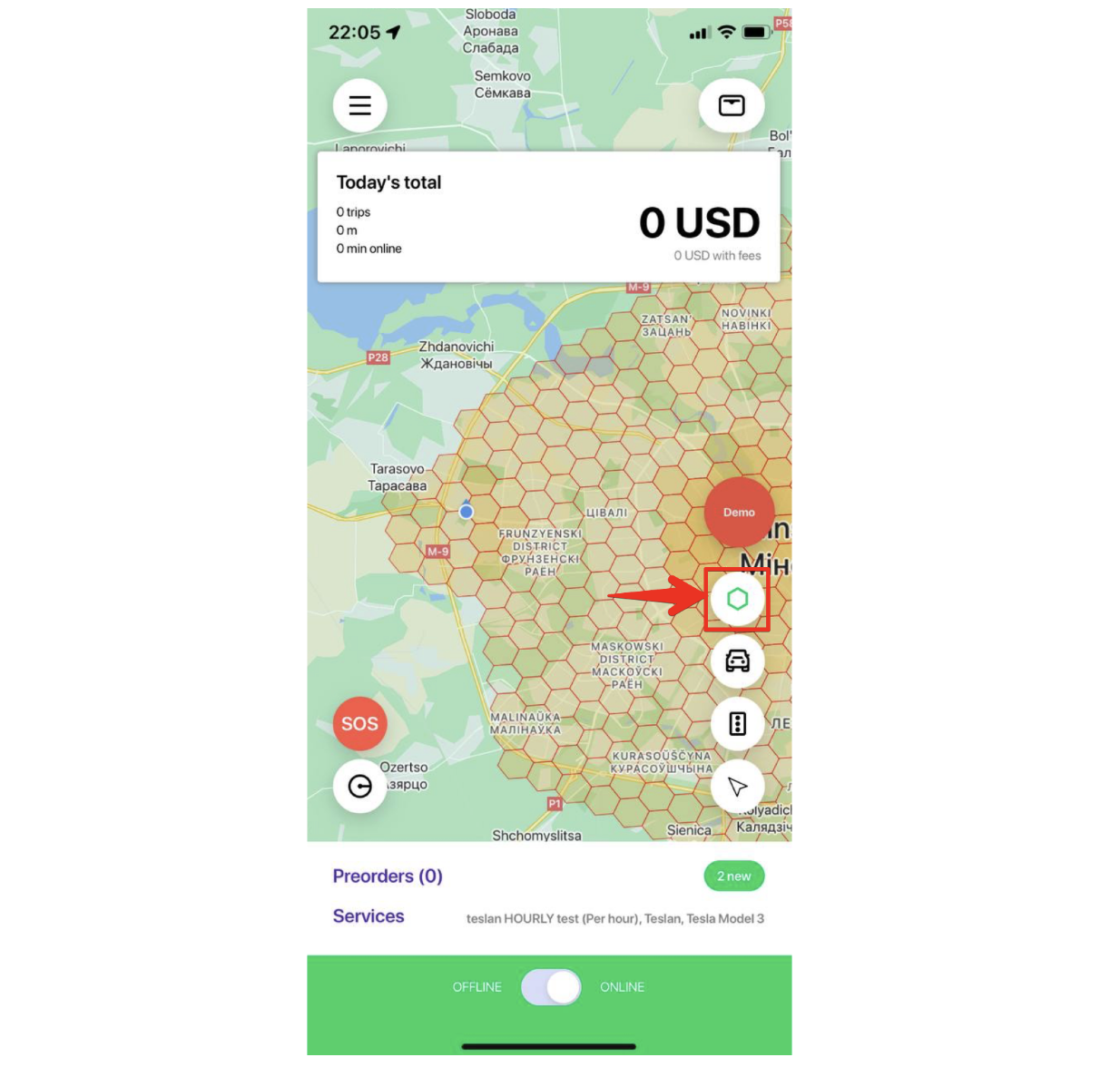
2. Heat map icon. Allows a driver to review hot spots for orders. To activate proceed with My Hub > Drivers > Driver settings > Allow drivers to view the heatmap.
A driver can disable/enable the “heatmap” visualization by clicking on its icon.
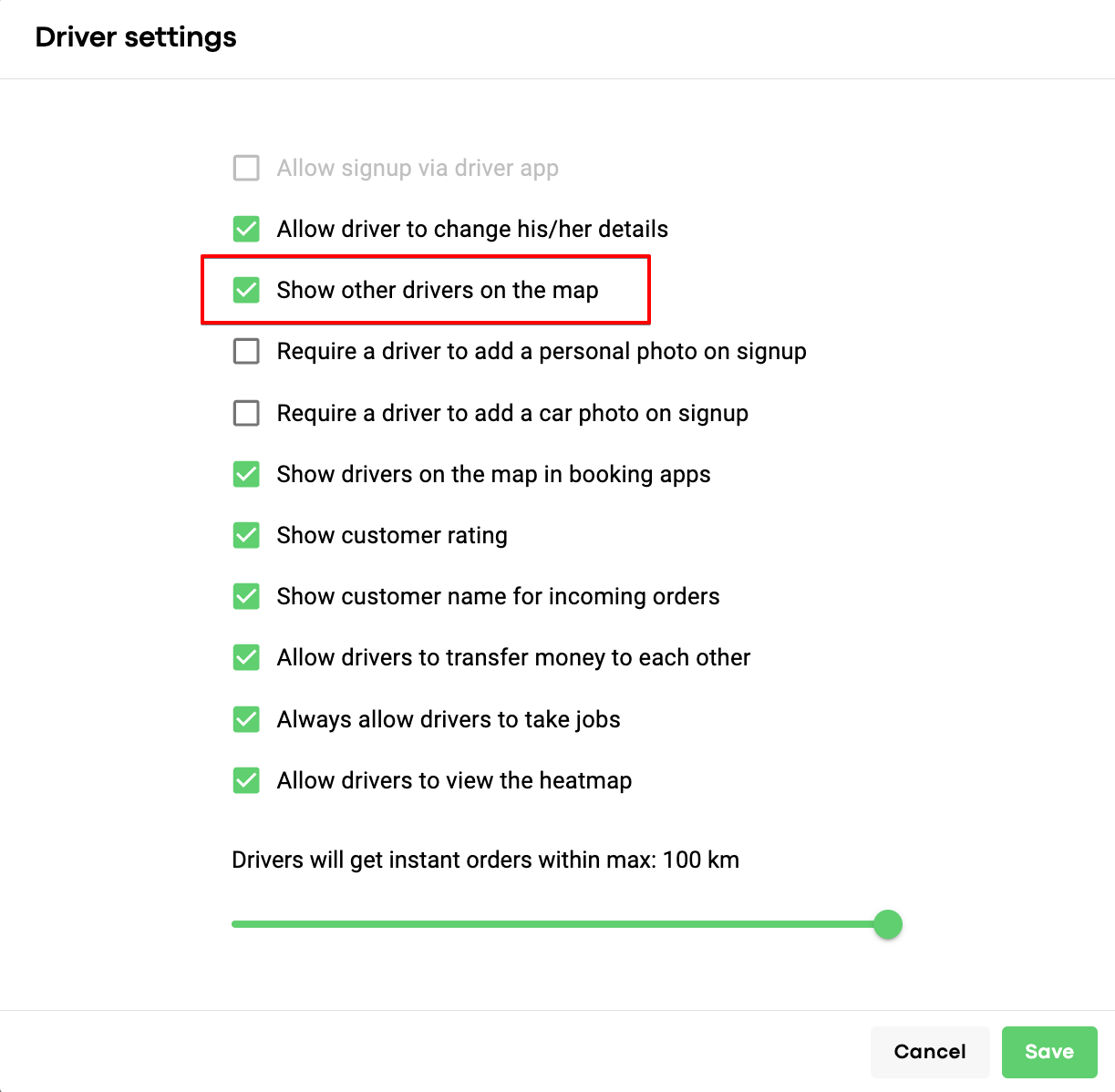
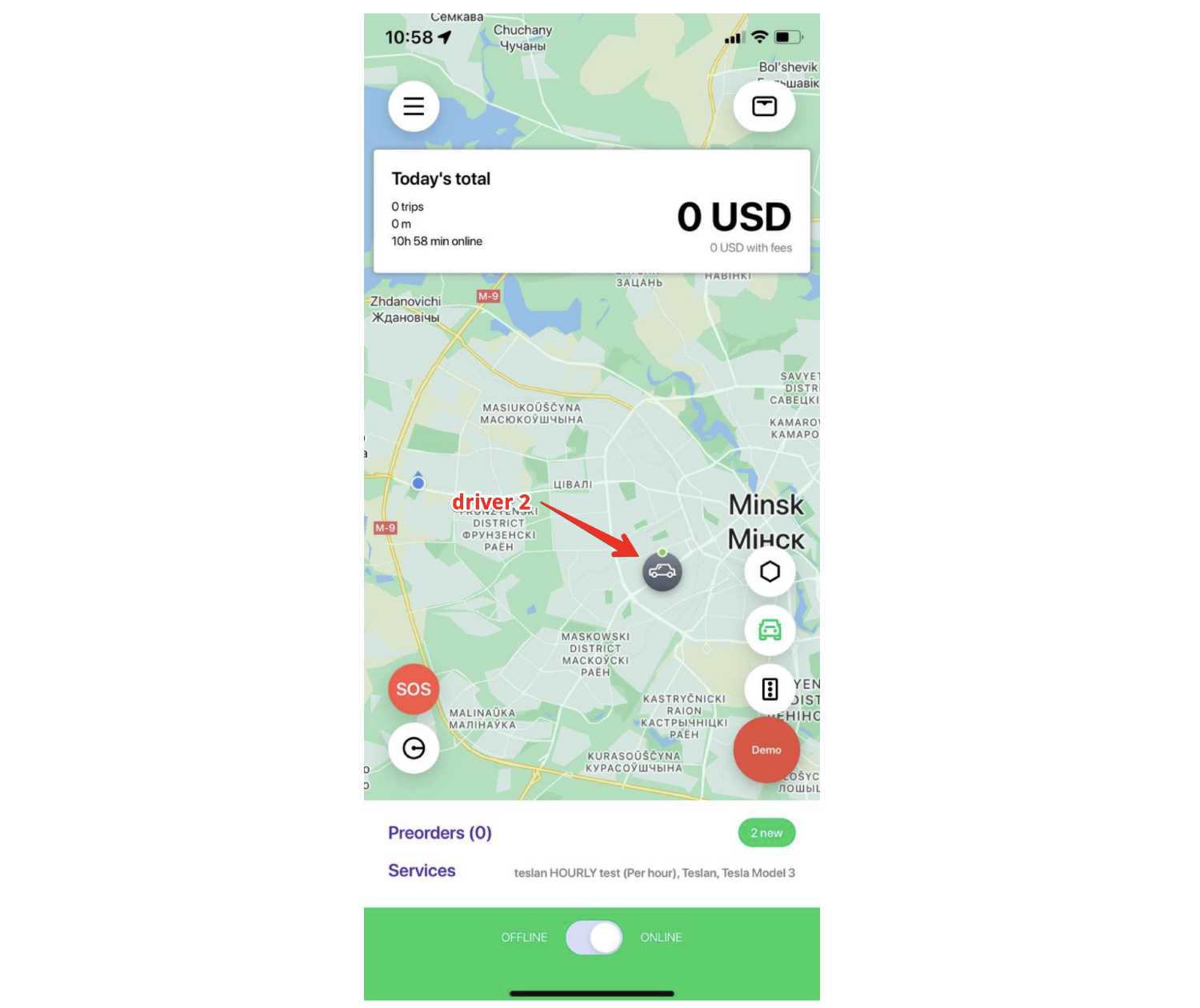
3. "Other drivers on the map" icon. Allows drivers to see other drivers on the map.
To activate "Other drivers on the map" in driver apps proceed with My Hub > Drivers > Driver settings > Show other drivers on the map.
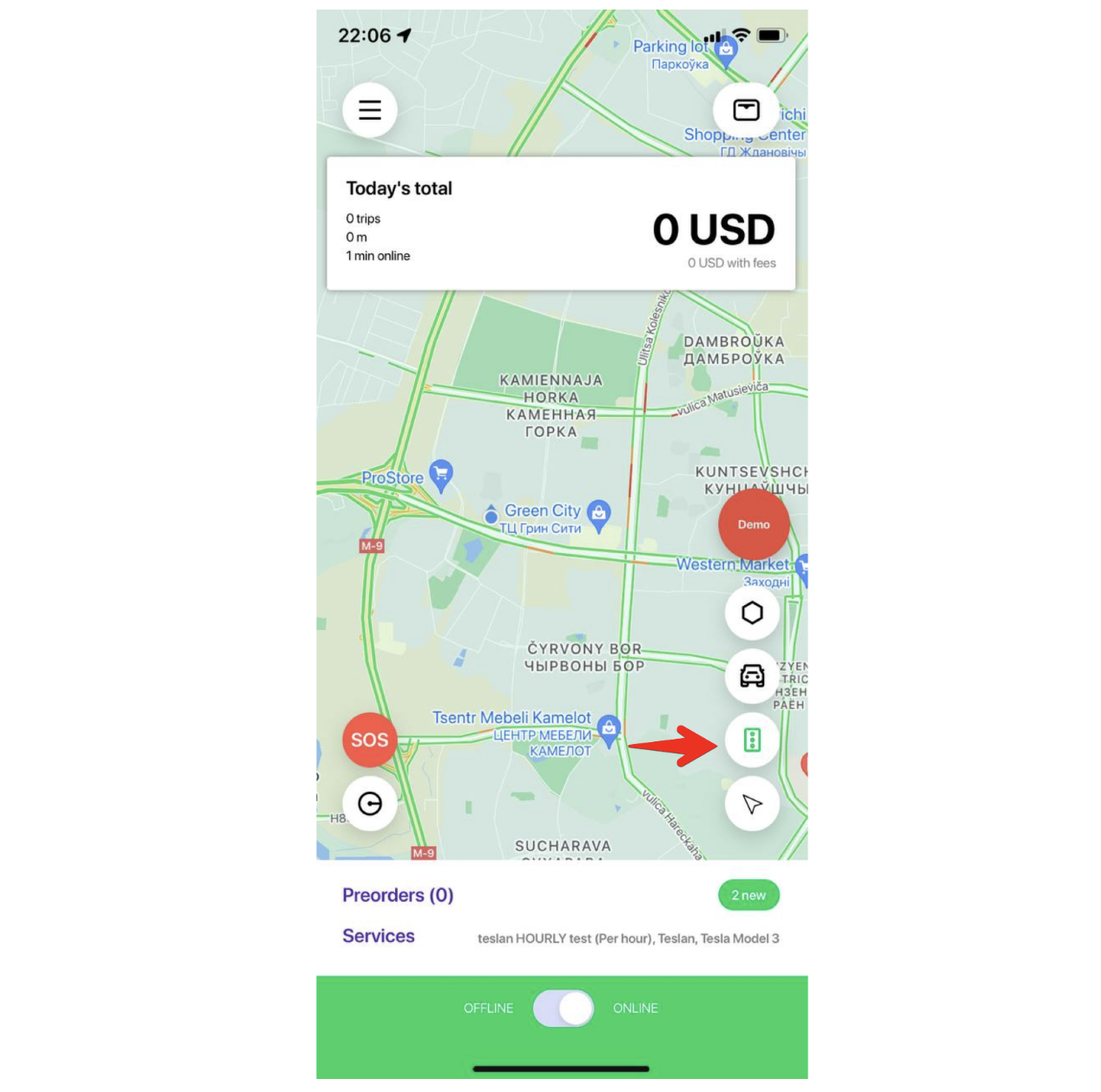
4. "Traffic light" icon stands for traffic conditions map. Red color stands for heavy traffic. Yellow - medium traffic. Green color - regular traffic.
5. "Current location update arrow". Clicking on it pulls a driver's current location.