
If the driver was not assigned manually, the system will look for the nearest driver to the pick up place according to our intelligent queues algorithm.
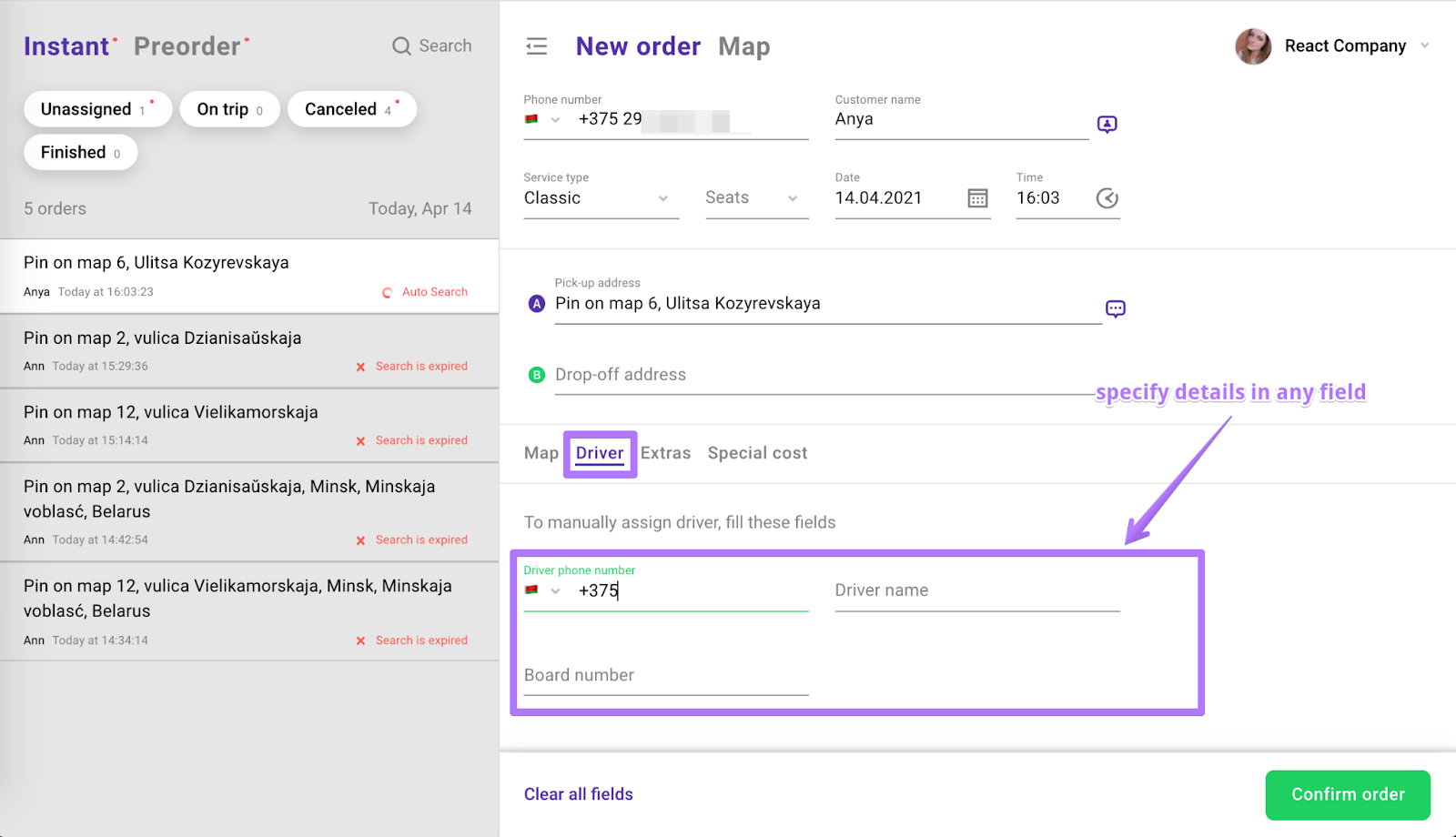
It's possible for the job to be assigned to the driver manually. For this it's necessary for you to specify driver's phone #, name or board #.
While creating a new order just open “Driver” section and insert Driver's name or Board # or Phone #. If the driver is online and available, the order will be assigned to him.
In the next article you will find how to reassign the order.