Ride, Courier, Expert, Technician.
The Breakdown of service types into domains is below:
RIDE:
Among others are:
- place newly added services first to promote them
- arrange the services in the order of increasing/decreasing cost
- etc.
Access “Services” in the section Management of My hub.
Tap on “Edit” by the “Service types display (Customer app)”.
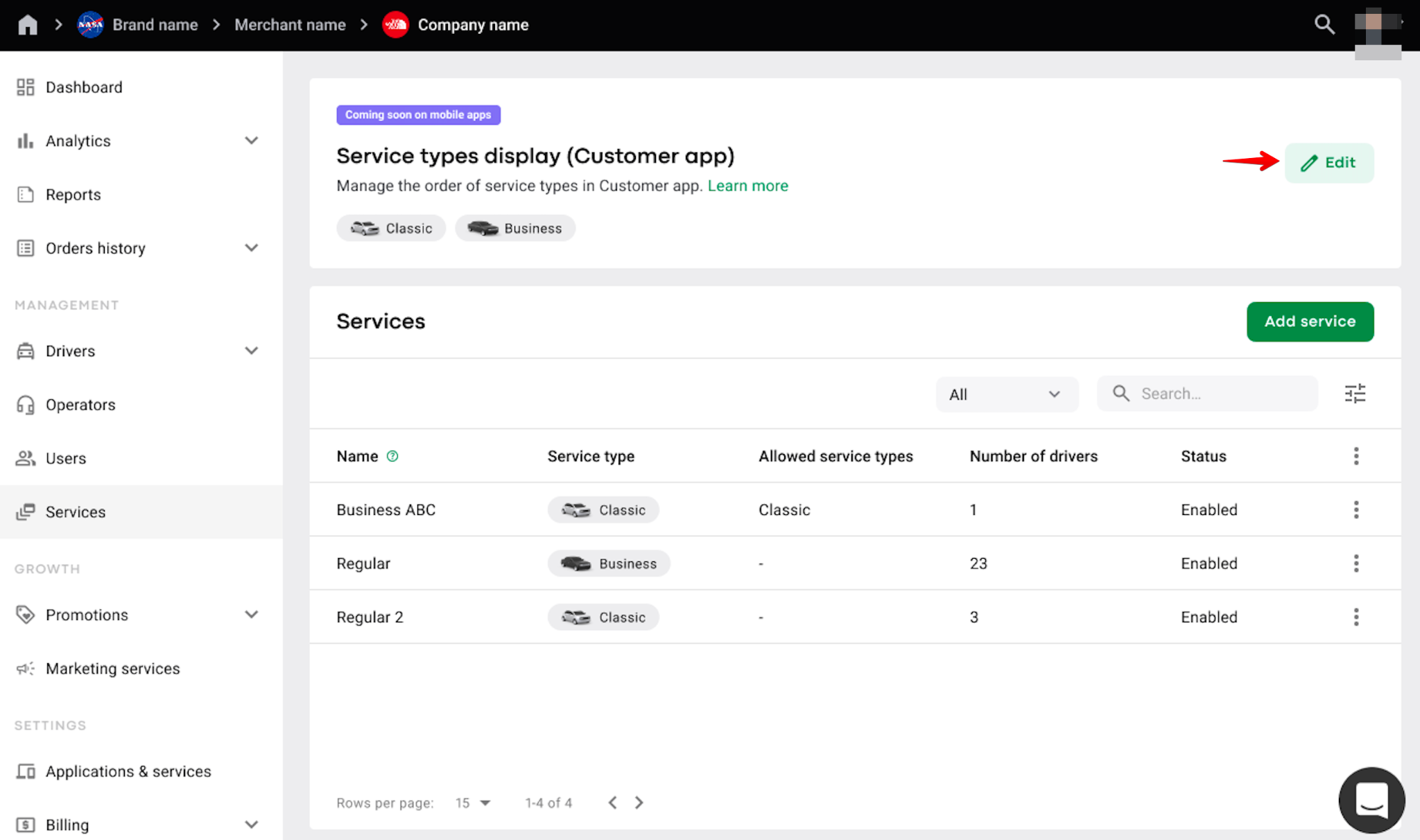
On the pop-up screen “Edit service type order“ arrange the services by dragging and dropping each service in the order you need.
If there are several services in one service type, they are all displayed as a list under the original Service type.
The order of Service types in the Customer app the company has set is displayed under “Service types display (Customer app)”.
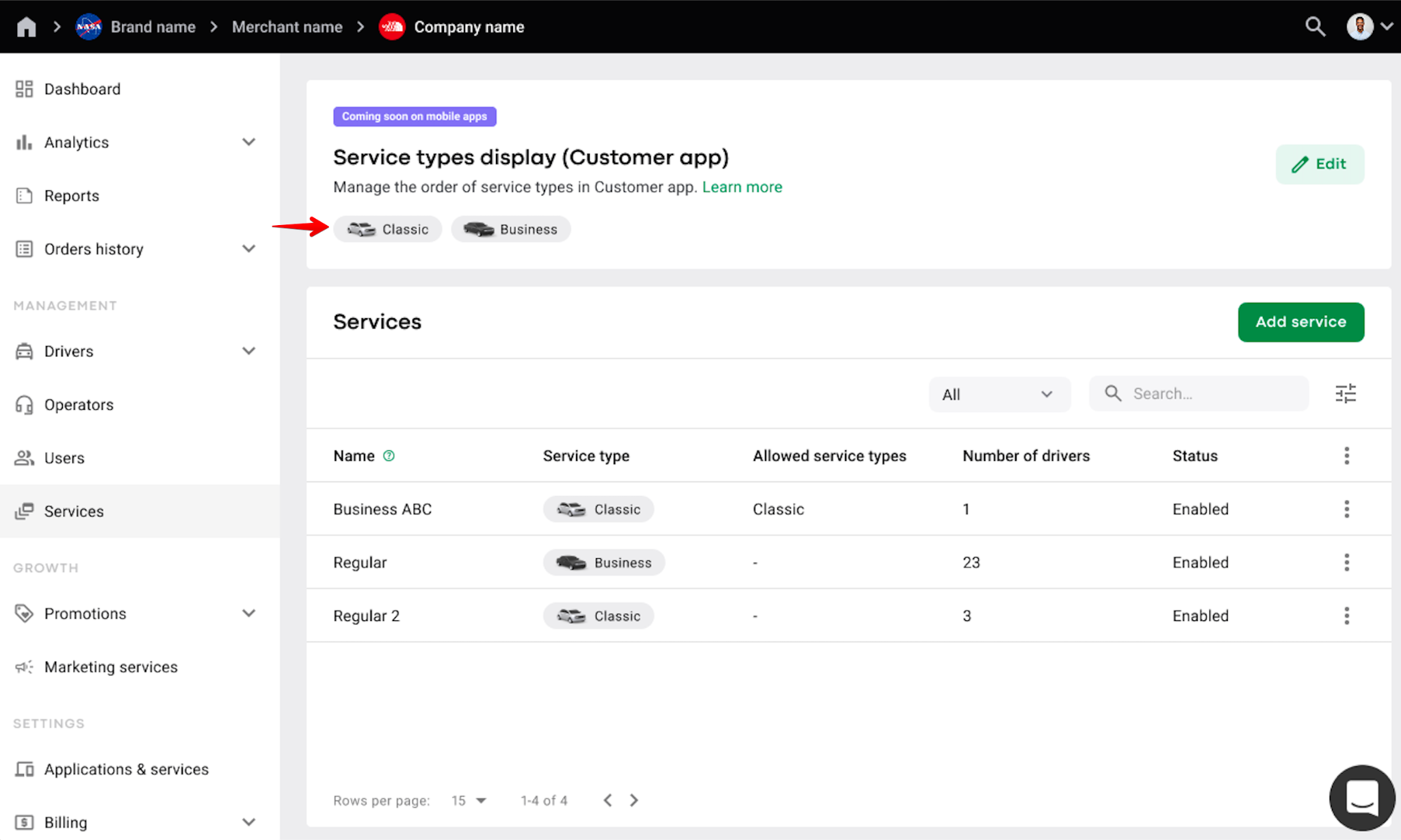
By default the Service types in My hub are arranged alphabetically.
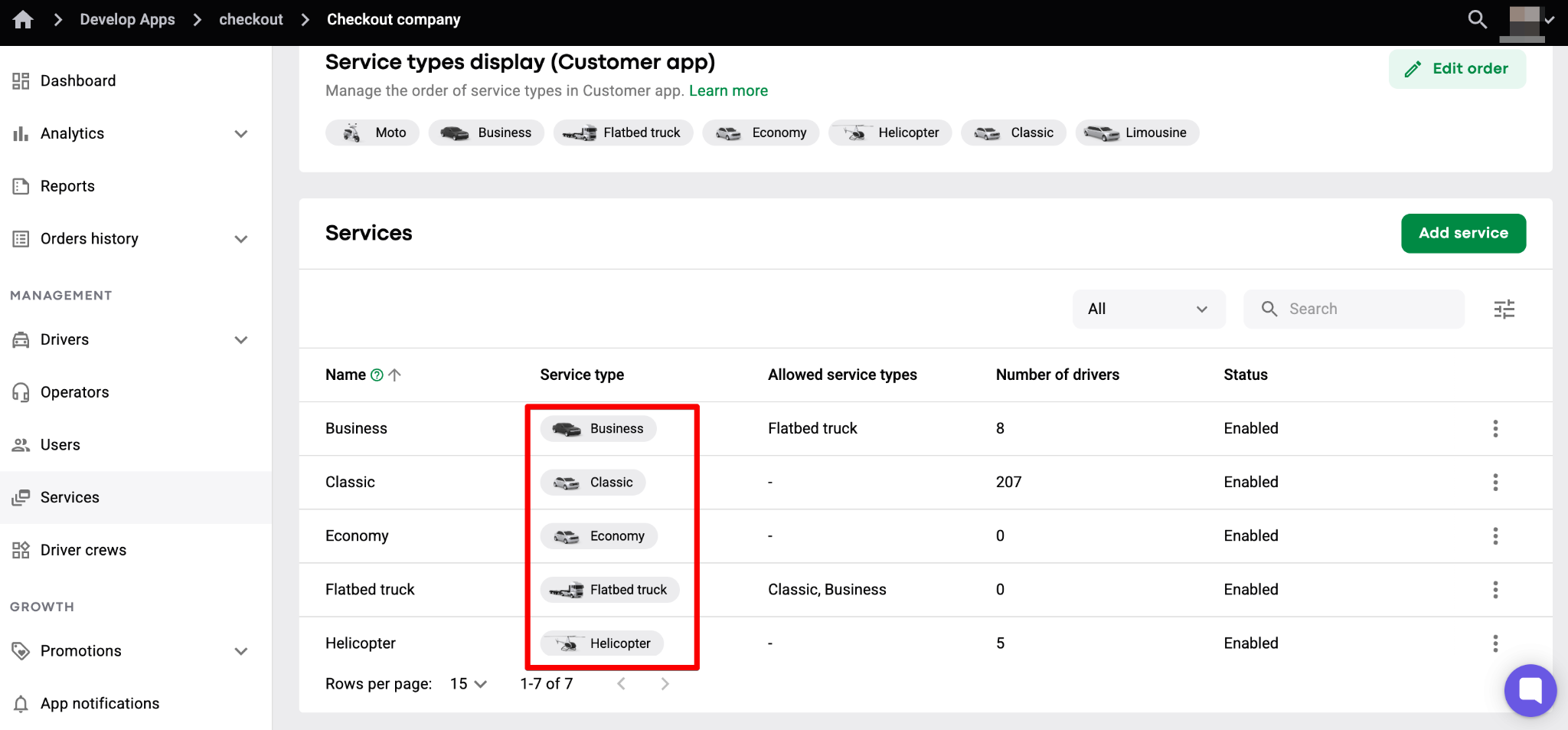
In case there are several network companies within one brand working in the same operational area, and companies have a different custom order of services, the services in the Customer app are displayed as follows:
1. Services of the companies that are placed first (in random order)
2. Services of the companies that are placed second (in random order)
3. Services of the companies that are third (in random order)
If a company adds a new service in My hub, it is automatically added as the last to the “Service types display (Customer app)” list and in the Customer app.
If a company has several services in one service type, they are all grouped under one Service type in the Customer app. To check the available services on the Service type, tap on the Service type card.
Make the best of your services by offering your customers a custom view!
Find more details on services in the post Services: images and icons in Customer app.
