
Most drivers are inclined to browse through other applications on their device while on shift.
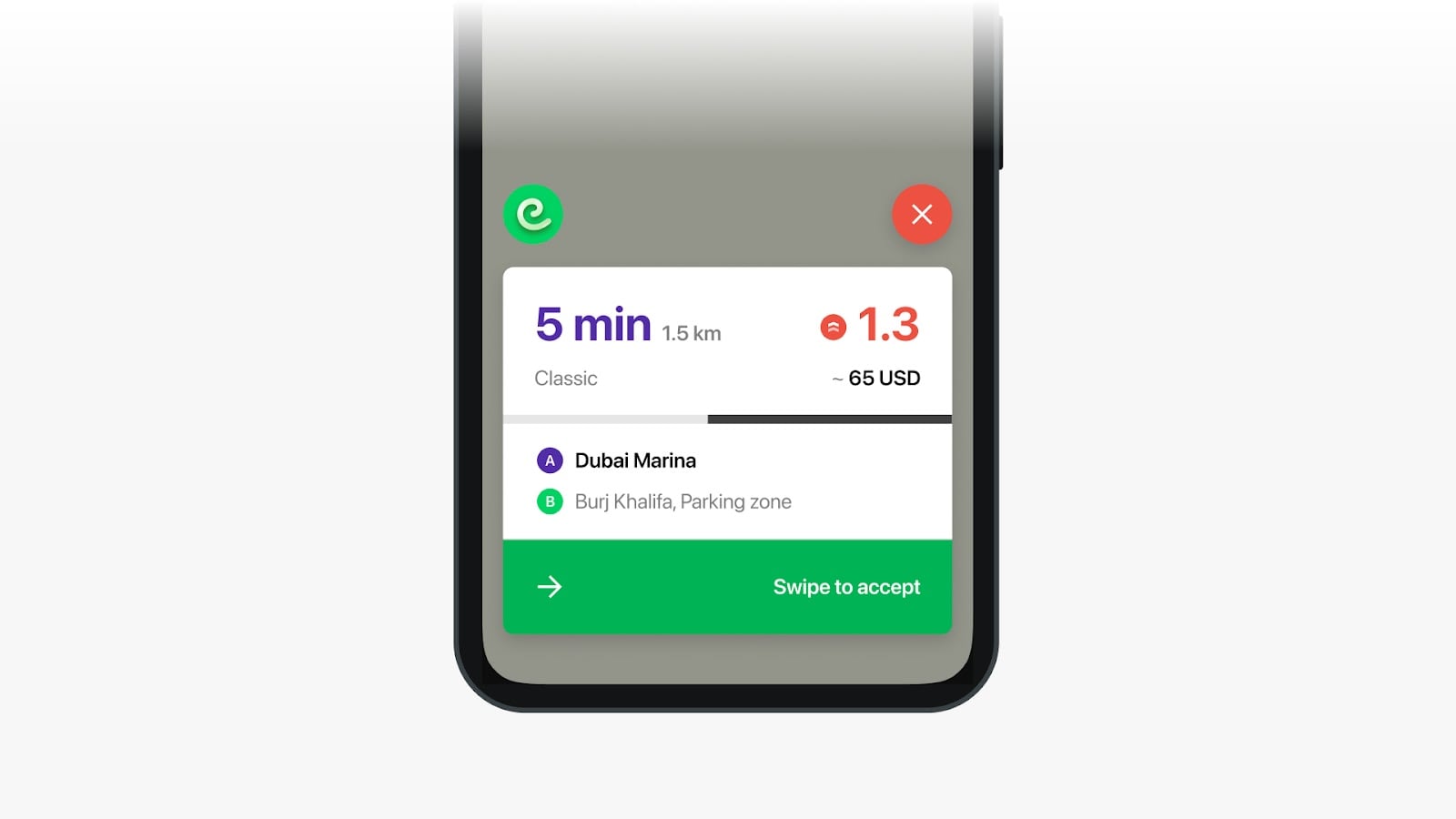
Screen overlay feature allows drivers on Android devices to accept orders without opening the app. Simply enable Screen overlay in the app settings and new orders will be displayed on top of other apps, even if your app is minimized.
A driver is offered to enable Screen overlay feature upon initial profile registration and after every re login to their app profile.

A driver can also enable “Screen overlay” in their side menu:
Settings > Screen overlay > Enable Screen overlay. Screen overlay can be turned on/off by a driver at any time.

Once Screen overlay is switched on a driver’s device, main screen displays a Floating button and new orders over other applications a driver might be using.
If enabled, Floating button shows on the device screen every time a driver goes online and switches to another application. Floating button is hidden when a driver goes offline.
Floating button allows drivers to easily switch back to their Driver app by tapping on the Floating button icon.
Floating button displays a notification about an incoming offer when a driver is online or is available for pre orders while offline.
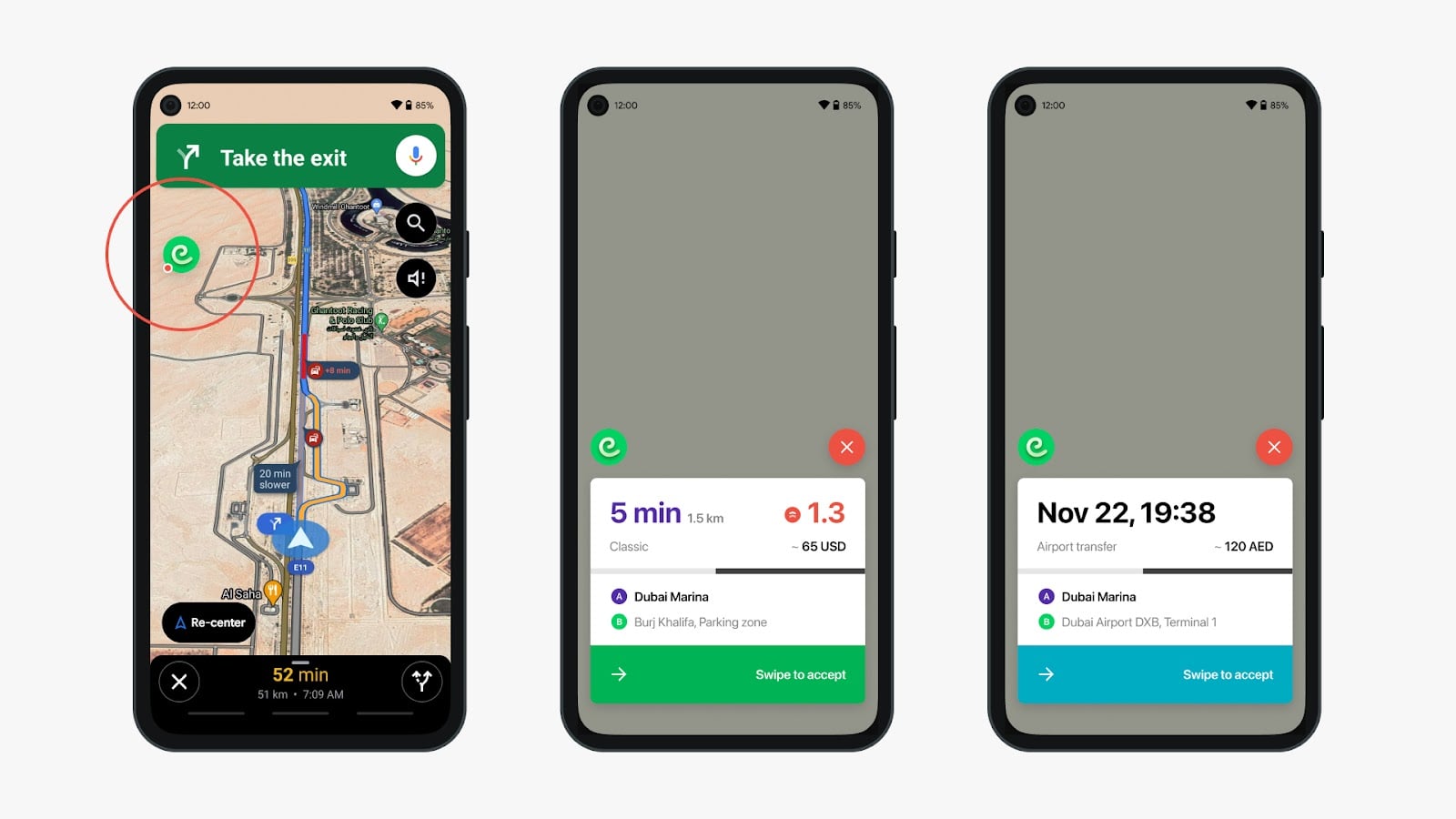
Floating button is branded for all WL applications, i.e. that branded icon is displayed inside the Floating button.
Encourage your drivers to activate Screen overlay feature to secure easy access to the Driver app at any time!