Thanks to the integrated navigation feature the system offers any driver can navigate to customer pick-up and drop-off locations as per most optimal routes.
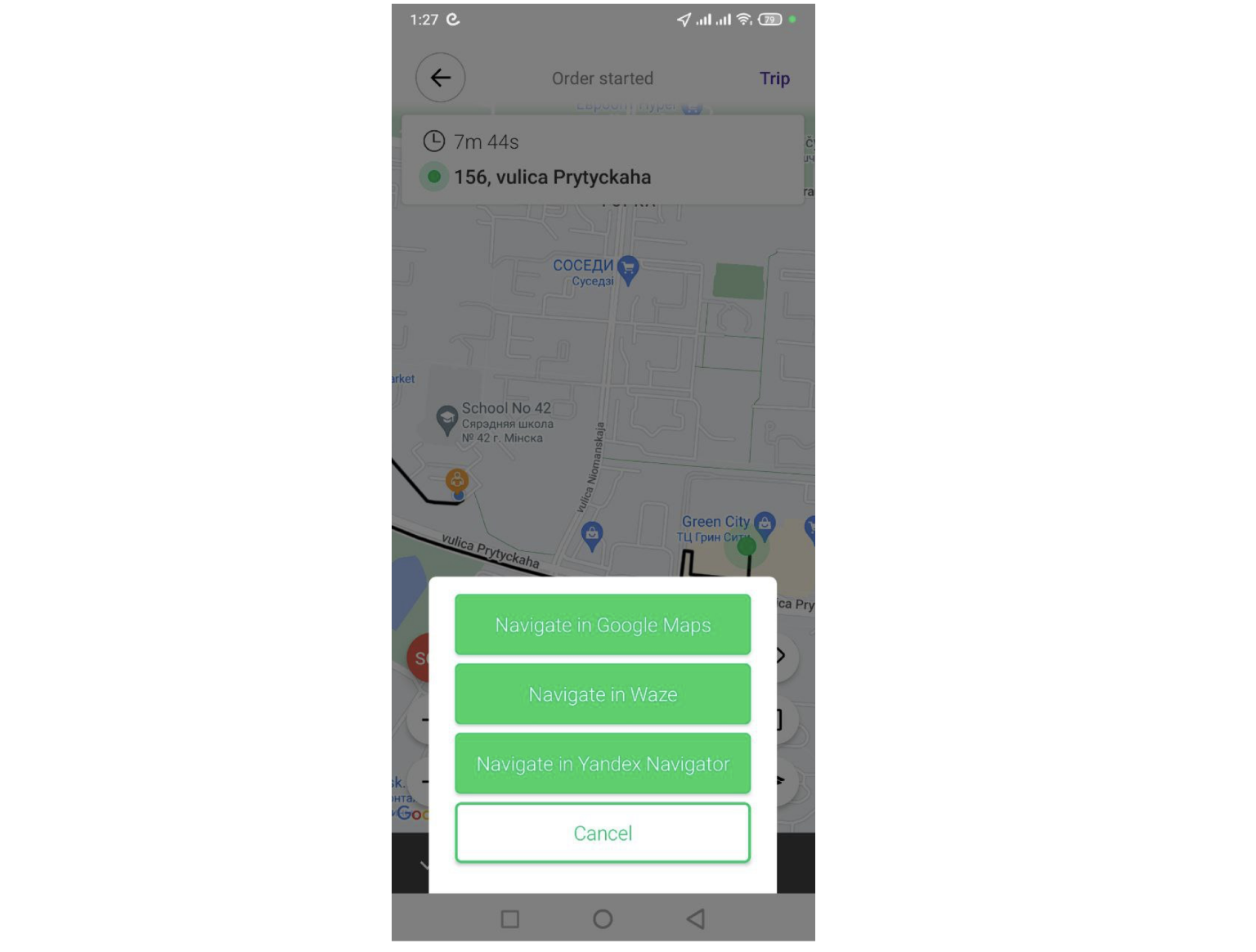
With Android a driver can navigate using:
Google Maps
Waze
Yandex Navigator
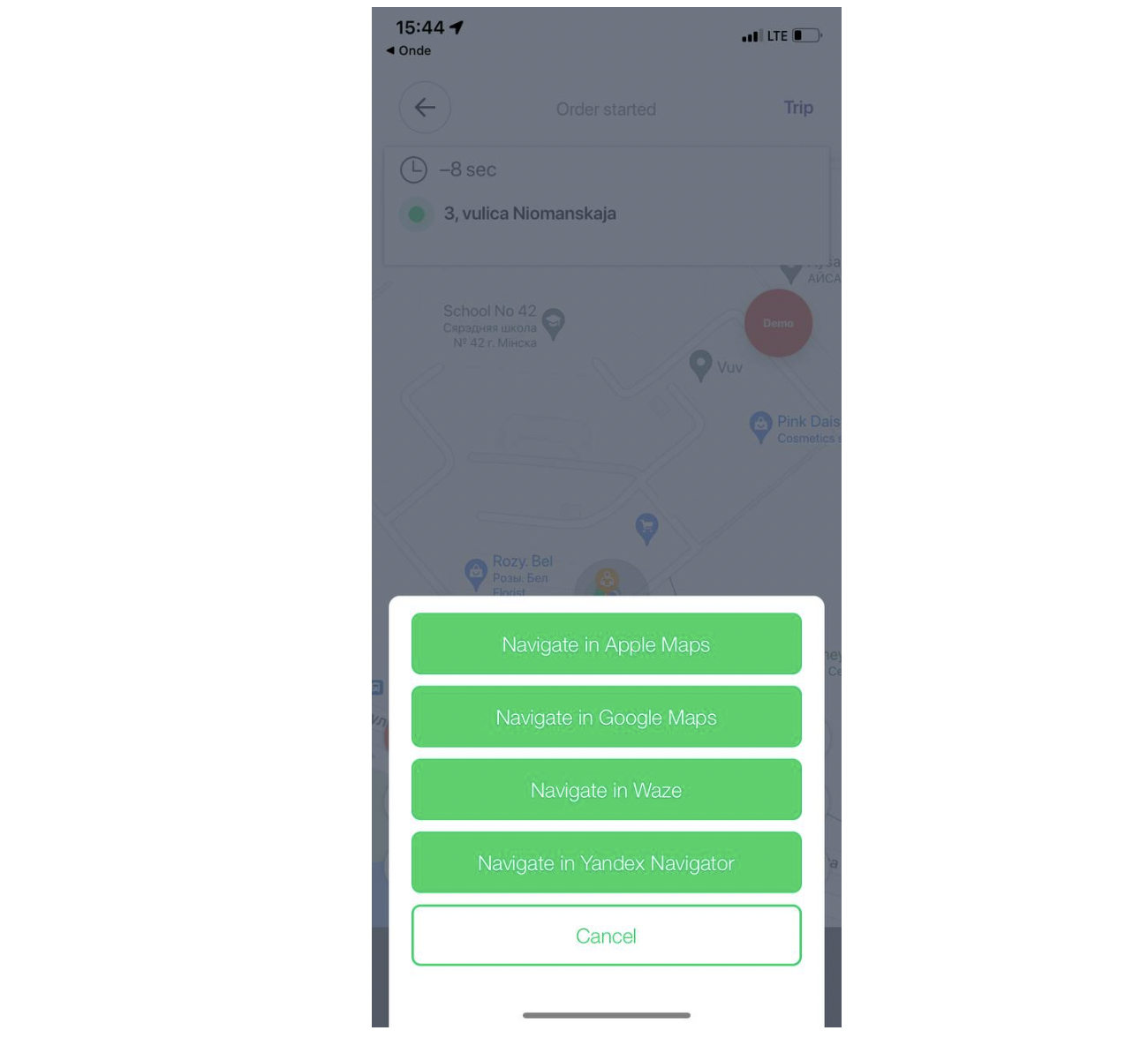
With iOS a driver can navigate using:
Apple Maps
Google maps
Waze
Yandex Navigator
In order for a navigator to show on the list of options it has to be installed on the device.
If no navigator is installed on the device the driver will be offered to navigate with default navigator:
Google maps for Android
Apple maps for iOS
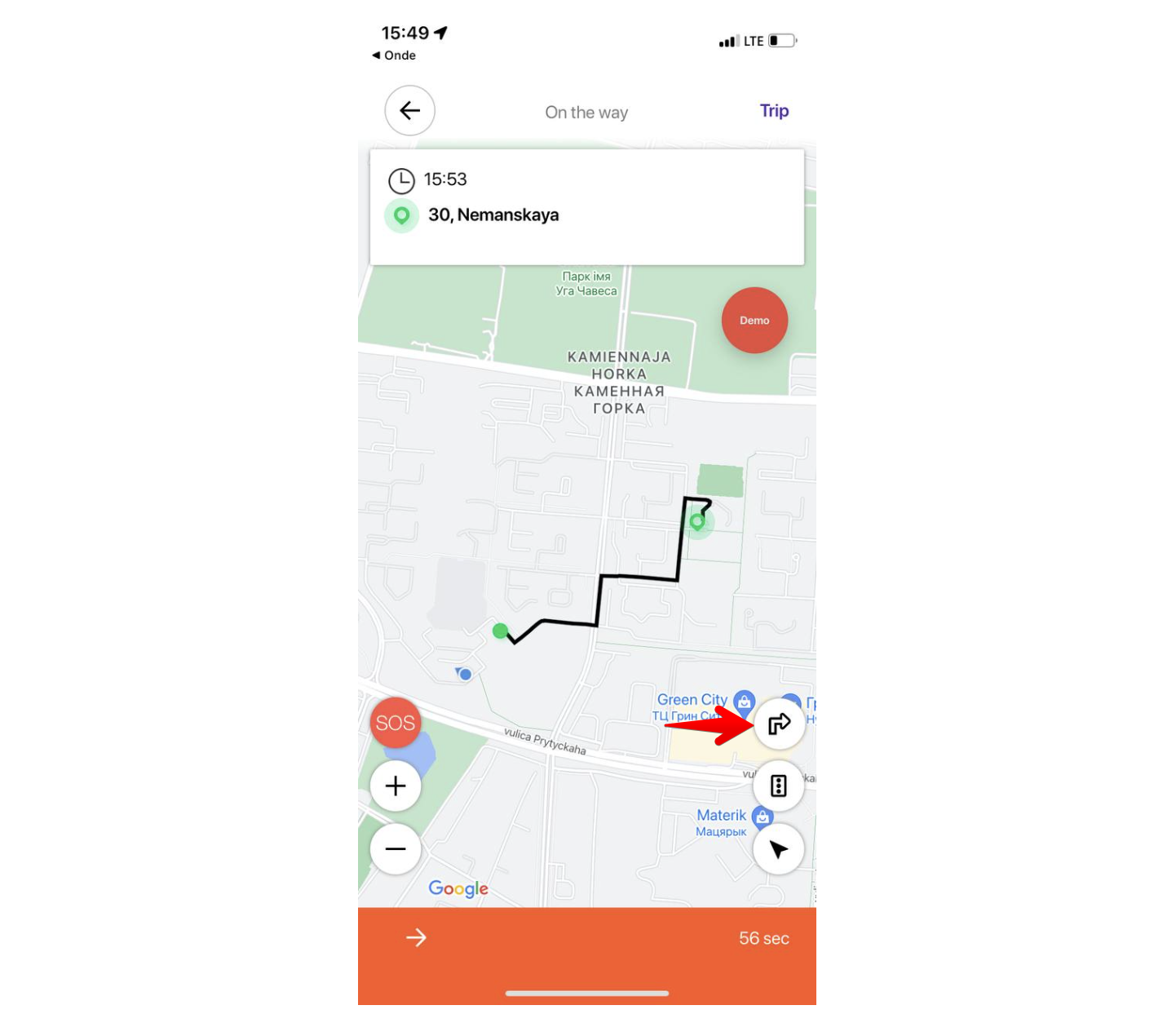
Navigation can be launched for two scenarios:
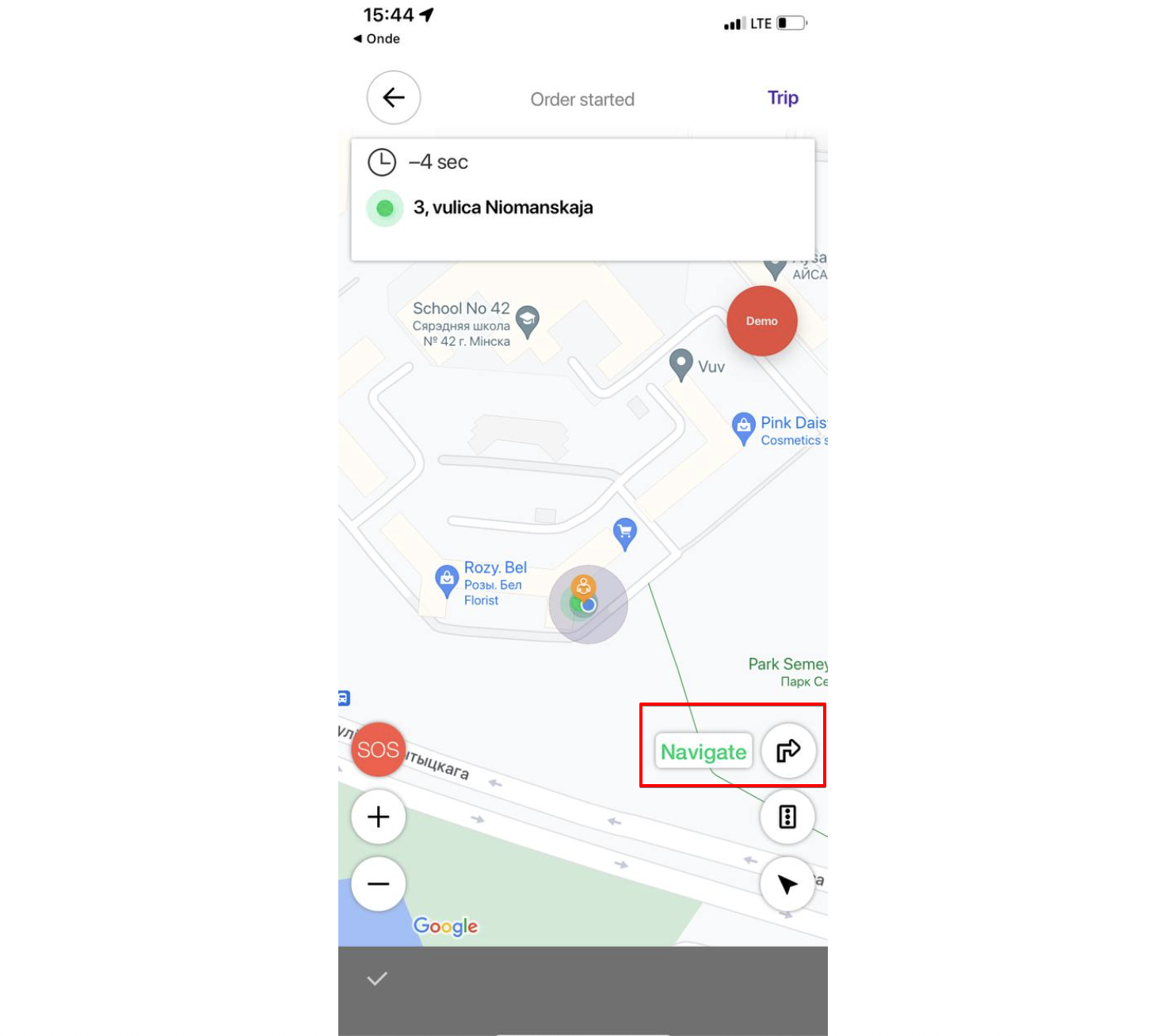
a) from driver’s original location to customer pick-up. Steps are:
accept incoming order by tapping "Accept".
click on the arrow button next to the pop up "Navigate"
choose the available navigator
b) from pick-up to drop-off location. Steps are:
select "Swipe to Start a trip"
click on the arrow button
choose the available navigator
The app remembers the initial choice of the Navigator, a driver selects for his first order and sets it as default.
This means that the default Navigator will be opened, should a driver decide to use navigation for any orders.
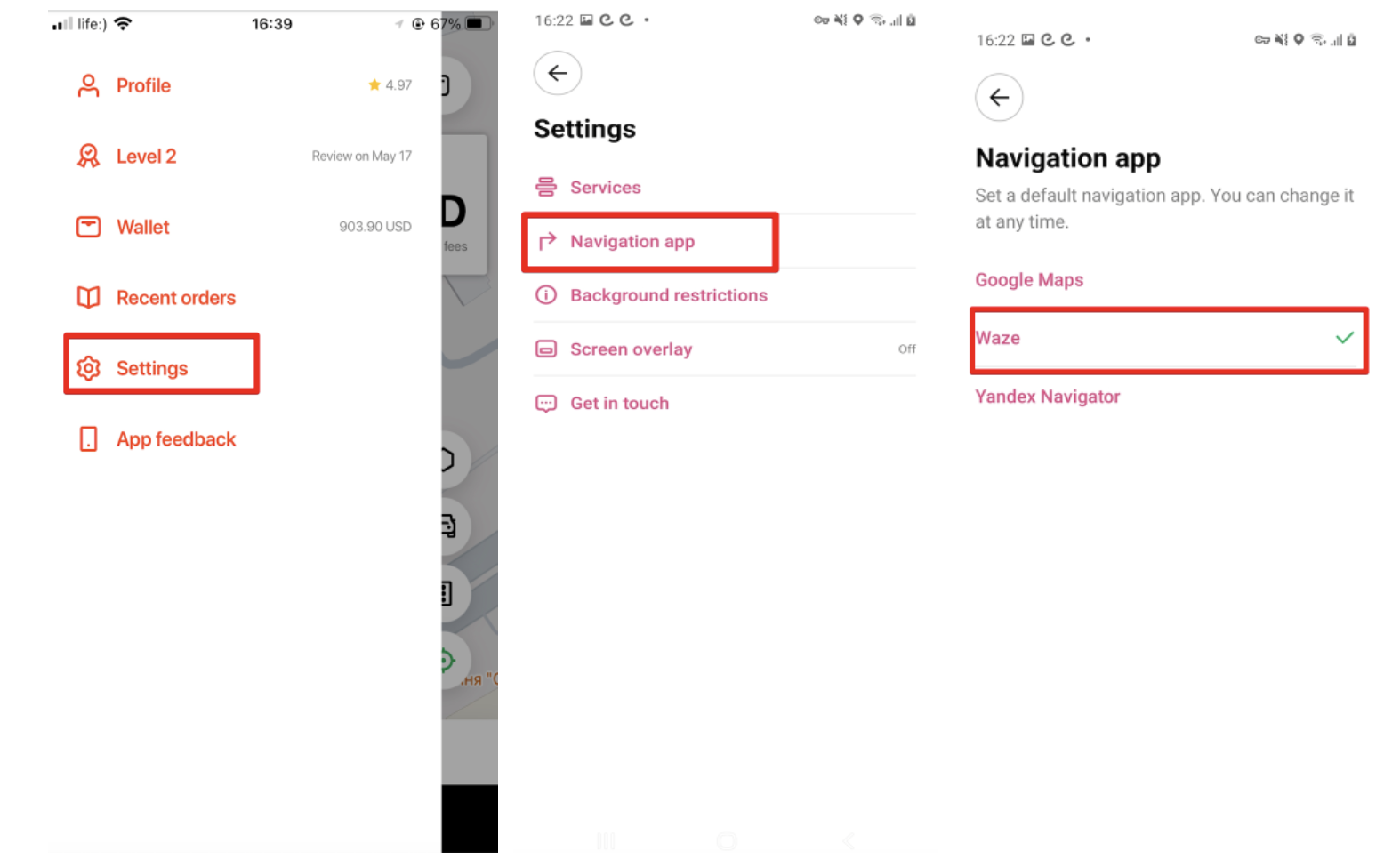
Default Navigator choice is stored in the Side menu of one’s driver app profile: Settings > Navigation app. Default navigator can be updated at any time from Settings.