
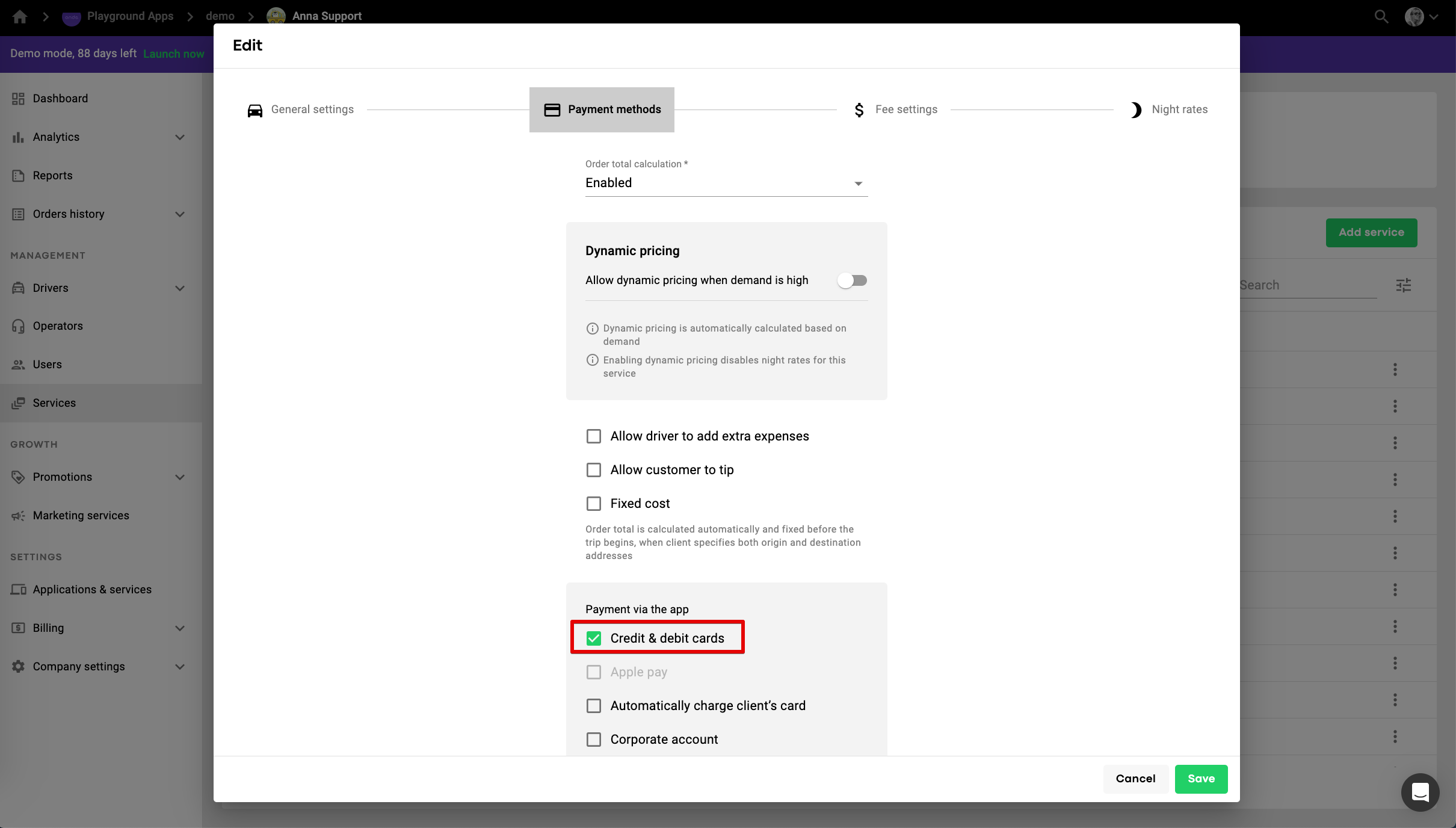
Go to My Hub, then to Services, add a new service ("Add service" button) or select the one that is already active. Go to 'Payment methods' and enable the option of payments with credit and debit card.
Download the customer app and add a card with the next credentials:
Card #: 4111 1111 1111 1111
Exp. date: any date
CSC or CVV: Any 3 digits.
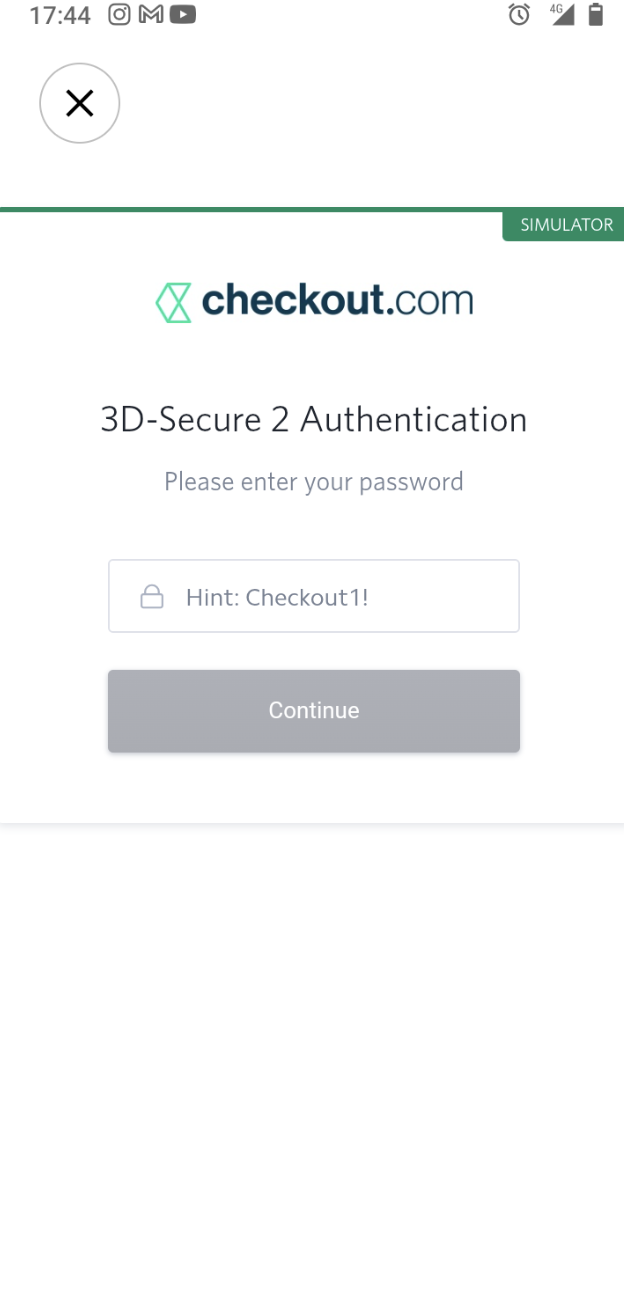
Wait for the 3DS check window to appear and enter "Checkout1!" into the password field:
Same demo card can be added in driver app for the demo driver top ups.
NB: any valid test card details can be added in demo apps, no actual funds will be charged.