
It is possible to setup the Operator App to automatically fill in customer's phone number, name and notes when new customer is calling a VOIP phone system.
To set this up:
Subscribe to "PBX Integration" service in My hub > Applications & services tab.
Every operator should set an internal extension:
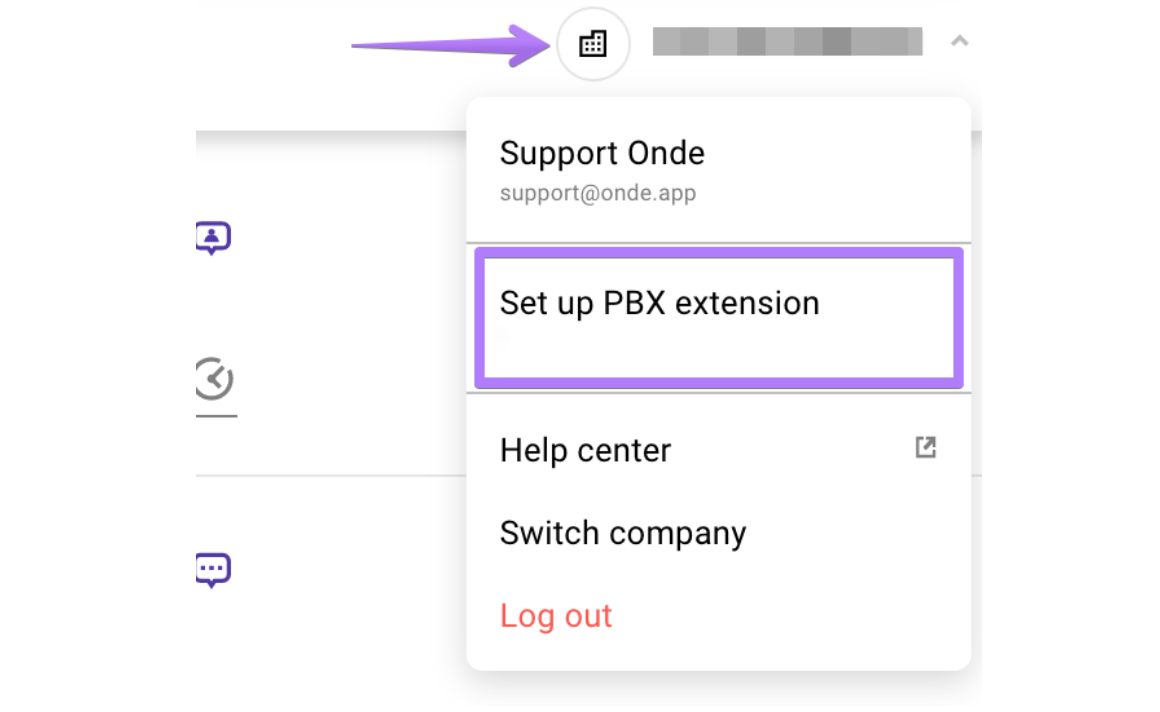
- Go to settings of your operator profile at operator.onde.app:
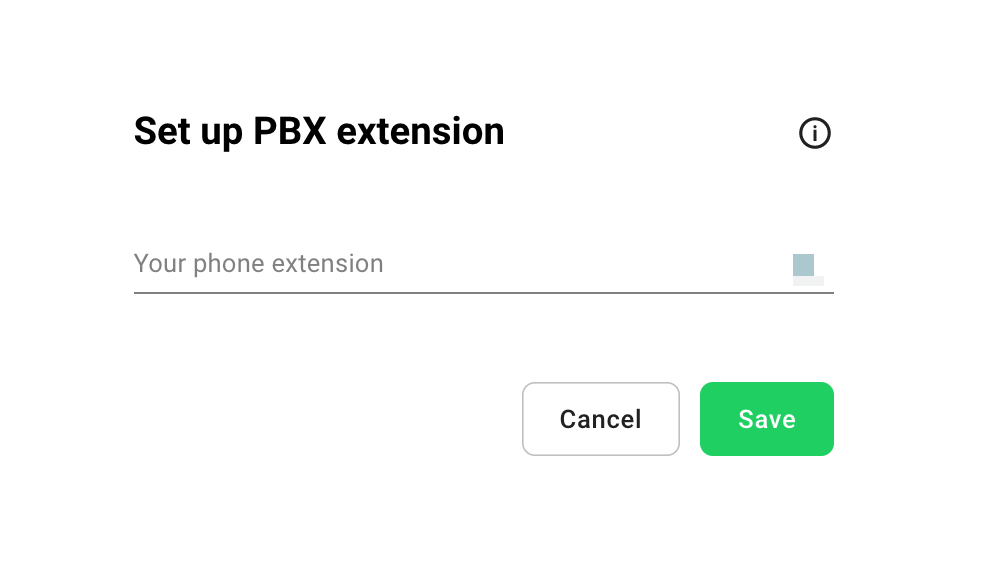
- Enter the extension number:
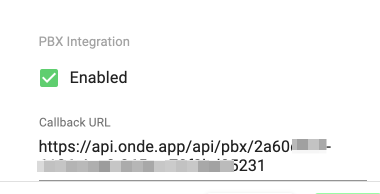
3. Copy company unique URL in My Hub/Settings:
4. Setup your VOIP system to call this URL when a customer is calling.
Pass these parameters with the callback URL:
Pass these parameters with URL:
CalledExtension - operator extension
- CallerIDNum - customer's phone number
- CallStatus = 'CALLING'
- CallFlow = 'IN'
Example: